
Accounting, inventory and POS that stay in balance
Every sale, purchase, stock move and payment posts to a double-entry ledger, with e-invoicing for Saudi Arabia and Jordan built in. Run one store or many branches from the same system.
- ZATCA Phase 2 and JoFotara
- POS that keeps selling offline
- Per-branch and consolidated statements
- Import from your current system
When operations and accounting drift apart
If sales, stock and purchases live outside the ledger, the books are always catching up.
The challenge
Re-entering everything into accounting
Invoices, POS sales and supplier bills are typed twice, and mistakes surface at month-end.
With Aspirations
Every operational document creates its journal entry automatically, with no parallel bookkeeping.
The challenge
Stock that does not match the books
The warehouse count and the inventory account tell different stories.
With Aspirations
Average-cost inventory where the inventory account equals the value of stock on hand, a rule covered by our automated tests.
The challenge
E-invoicing requirements
Tax authorities in Saudi Arabia and Jordan require e-invoices, and separate connectors are hard to maintain.
With Aspirations
Integrated with ZATCA Phase 2 (Fatoora) — tested on ZATCA's developer environment; each company completes its own onboarding. JoFotara integration ready (UBL 2.1); requires your JoFotara credentials.
Close the month with books that balance
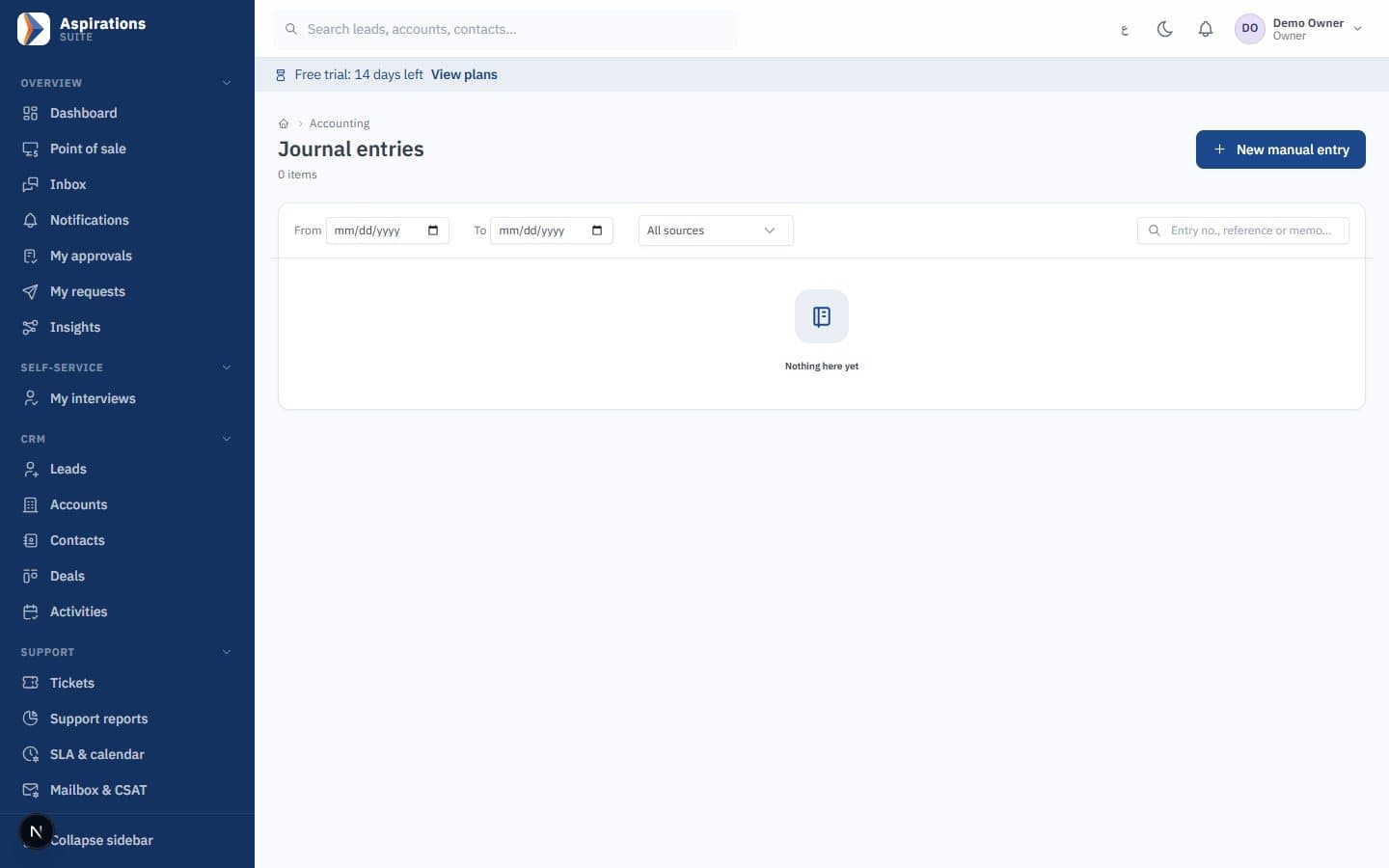
A chart of accounts seeded for your country, automatic postings and the reports your accountant needs.
- Chart of accounts by country — Seeded from a template for Jordan, Saudi Arabia or Syria and fully editable.
- Manual and recurring journals — Unbalanced entries are rejected, and recurring entries post on schedule.
- Period closing and year-end — Closed periods are locked, and only the owner can reopen one.
- Multi-currency — Exchange rates with rounding differences posted to a dedicated account.
- Financial reports — Trial balance, general ledger, income statement, balance sheet, VAT return and aging.
E-invoices from the same invoice engine
Sales invoices, credit notes and POS receipts go through one engine that handles numbering, tax and the authority's requirements.
- ZATCA Phase 2 (Fatoora) — Integrated with ZATCA Phase 2 (Fatoora) — tested on ZATCA's developer environment; each company completes its own onboarding. Pending invoices are resubmitted automatically and the CSID can be renewed.
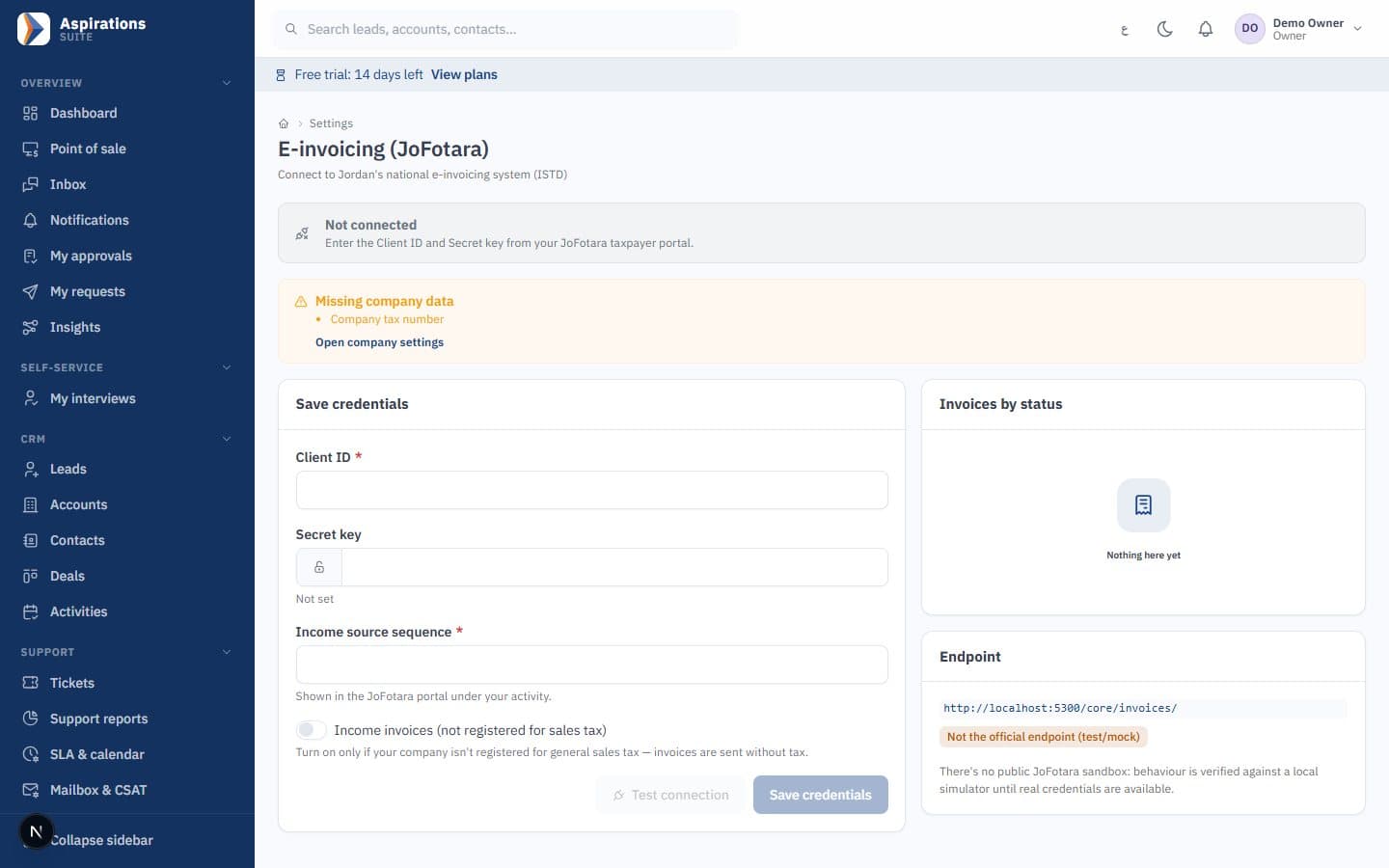
- JoFotara — JoFotara integration ready (UBL 2.1); requires your JoFotara credentials.
- Tamper-evident invoices — Gap-free numbering, a hash chain and the authority's QR code on each invoice.
- Tax categories — Standard, zero-rated and exempt, with editable default rates per country.
- Credentials kept safe — Your e-invoicing credentials are stored encrypted, and you can test the connection before going live.
Sell at the counter, even when the connection drops
A POS built into the ledger, so every shift closes with cash that matches the books.
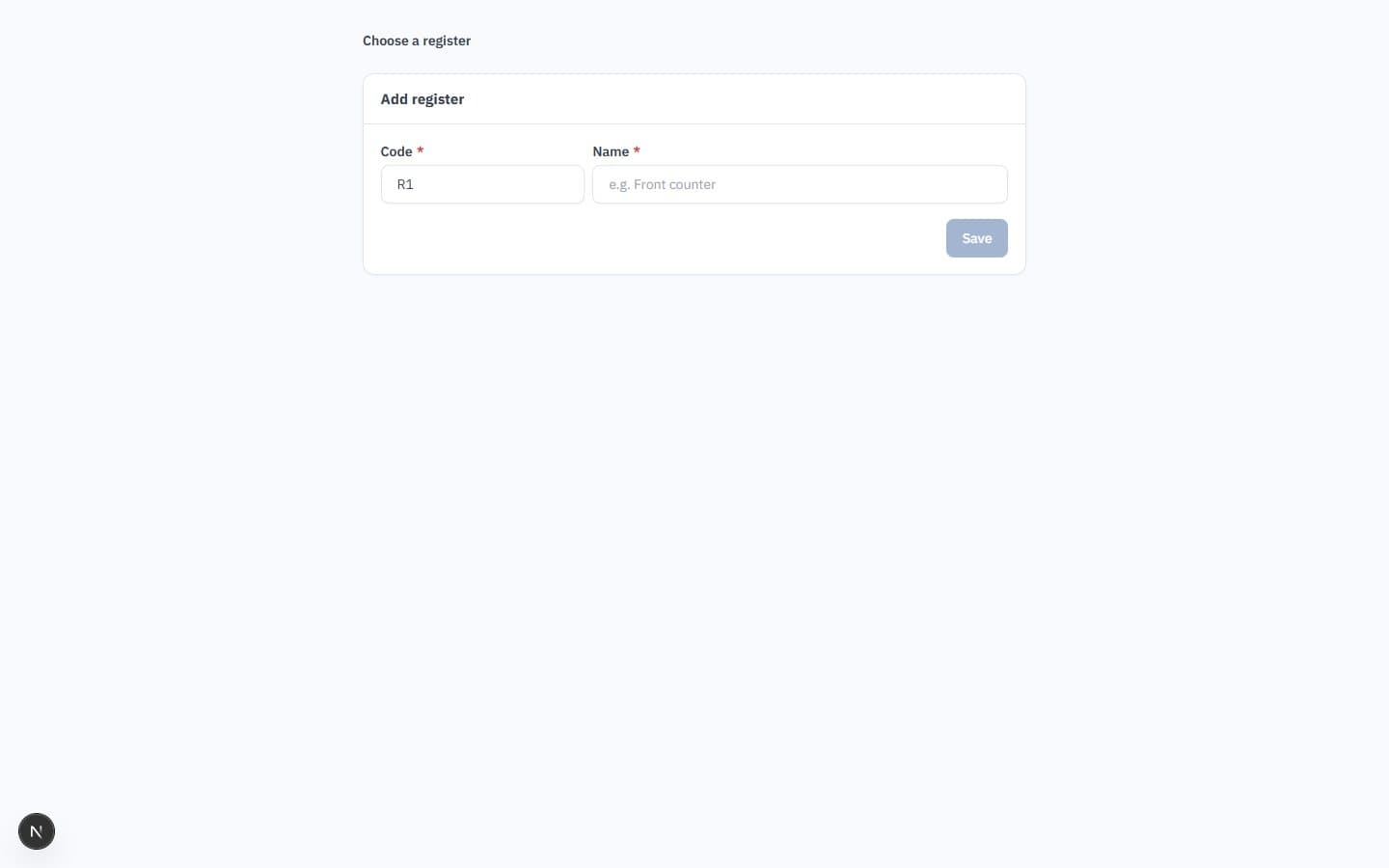
- Registers and shifts — X and Z reports, with a cash account per register that matches the counted drawer.
- Fast checkout — Split payments, returns, held sales and category tabs for cashiers.
- Offline sync — Sales made without a connection upload later, in order, protected against duplicates.
- Receipts — 80mm receipts, with simplified e-invoices from POS for Saudi Arabia.
- Cashier role — Cashiers see the point of sale and nothing else.
Know what you have and what you owe
Stock, suppliers and bank accounts stay current because every movement posts as it happens.
- Warehouses at average cost — Multiple warehouses, transfers and adjustments.
- Reorder alerts — Reorder levels with daily low-stock notifications.
- Catalogue and variants — Hierarchical categories and size-by-colour variants with EAN-13 barcodes.
- Purchasing — Purchase orders, supplier bills, debit notes, supplier payments and quick expenses.
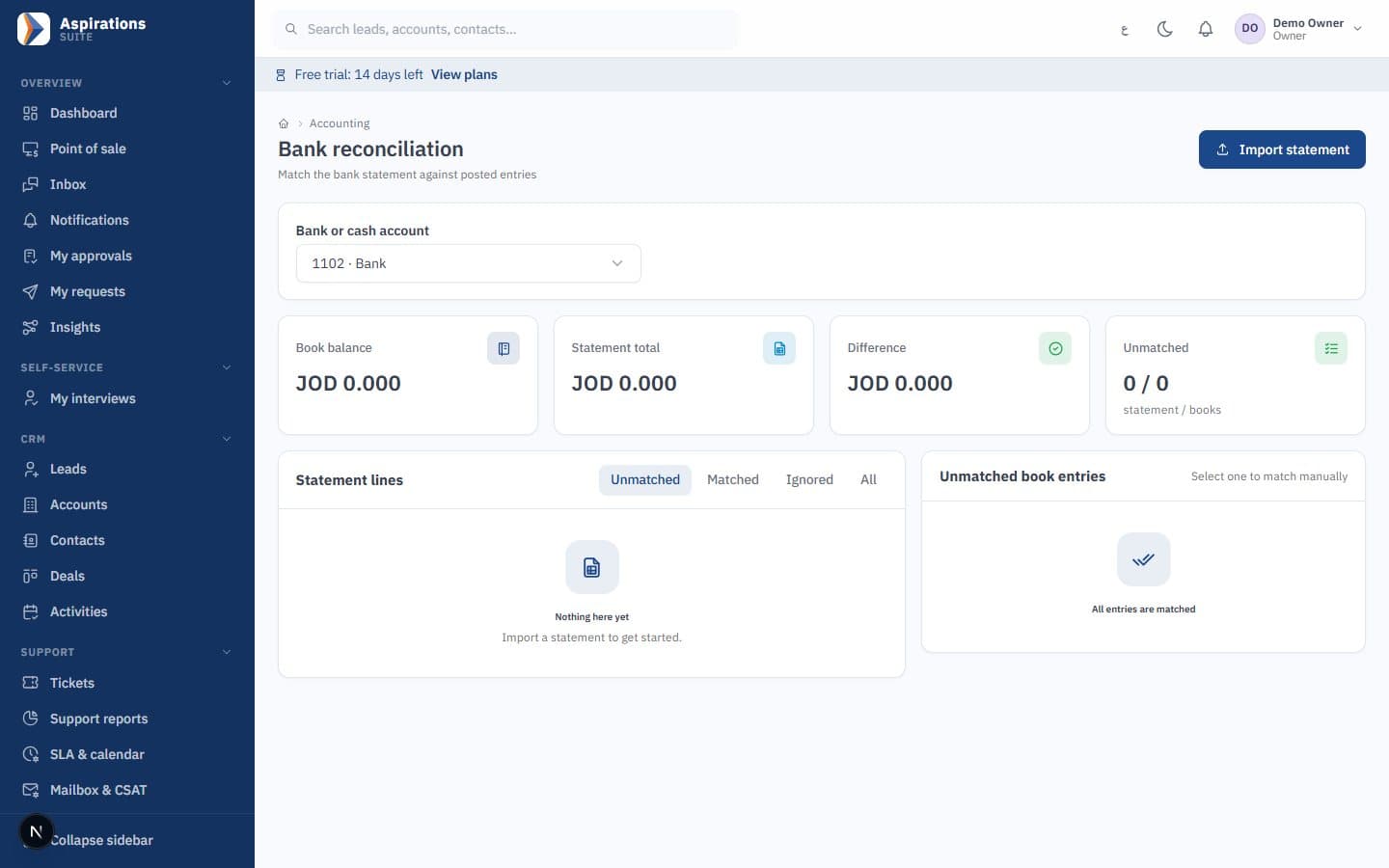
- Bank reconciliation — Match bank statement lines with suggested matches.
- Stock reports — Slow-moving items and margin reports.
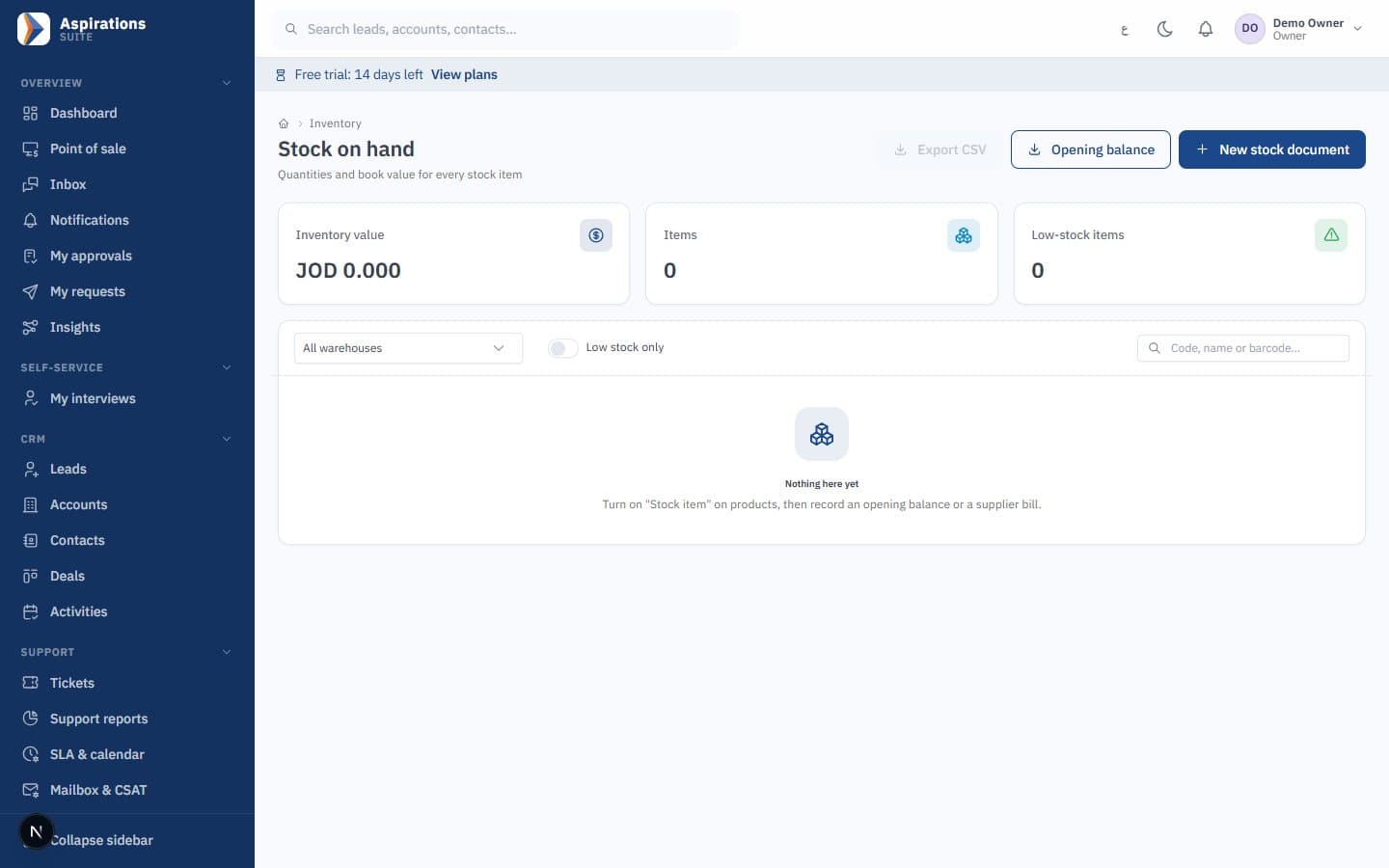
Control costs across projects and branches
See where money goes by cost centre, project and branch, and keep the asset register in line with the books.
- Fixed assets — Straight-line and declining-balance depreciation, and disposal with gain or loss.
- Cost centres and projects — On invoices, bills, expenses, cost of sales and departmental payroll.
- Budget versus actual — Budgets by account and cost centre, with project profitability.
- Multi-branch — Separate numbering, users limited to their branches, per-branch and consolidated statements.
- Cash-flow outlook and anomalies — A 12-week cash outlook and flags for duplicate bills and unusual entries.
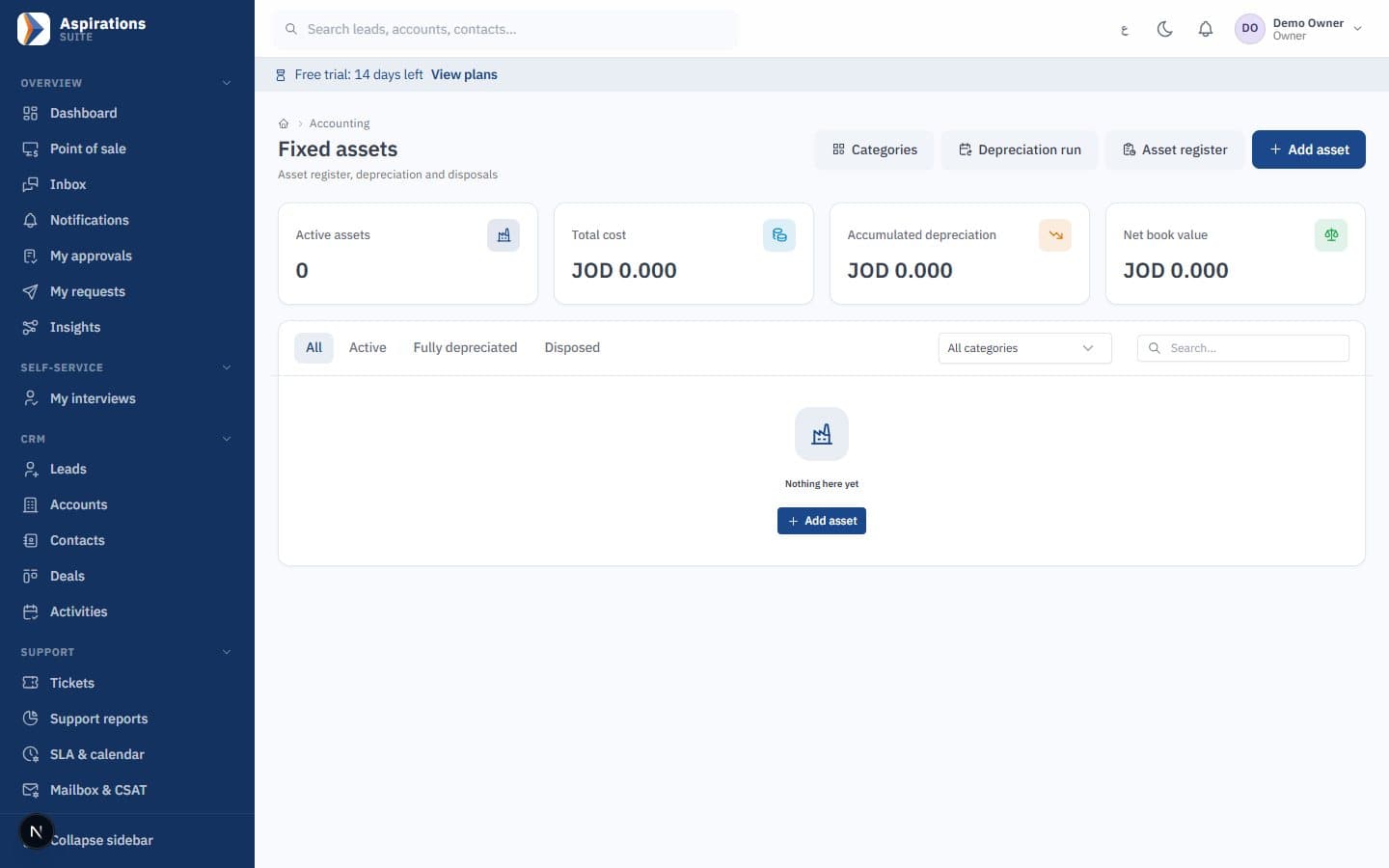
Bring your data from your current system
The import tool is built for real migration files, including Arabic headers and Arabic-Indic digits.
- Ready templates — Chart of accounts, opening balances, items and stock, customers, suppliers and employees.
- Arabic-aware — Arabic or English headers, Arabic-Indic digits and the semicolon separator used by Arabic Excel.
- Preview first — See every error by row and column before anything is written.
- All or nothing — A clean file saves in one transaction; a single error saves nothing.
- Balanced openings — Opening balances must balance, and imported stock matches the inventory account.
Know what each unit really cost to make
Bills of materials and work orders post to the same stock and accounts as the rest of the ERP, at actual cost.
- Versioned bills of materials — Components with scrap percentage, operations with labour and overhead rates, and one active version per product.
- Work orders — Planned, released, in progress, completed and closed, with material availability checked against the warehouse.
- Issue, backflush and receive — Materials leave stock at weighted average cost and finished goods enter stock at the work order's actual cost.
- Automatic postings — Work-in-progress, applied costs and production variance are journalised for you, on the order's cost centre and branch.
- Cost reports — Actual versus standard cost per order and material usage per component.
Build the report you need without asking IT
Pick a dataset, group, filter and chart it — the report builder respects each user's role, branches and own-records scope.
- Ready datasets — Sales invoices and lines, payments, leads, deals, activities, tickets, stock, journal lines, employees and payroll.
- Group, filter, pivot — Up to three dimensions with day-to-year date buckets, six measures, filters and pivot tables.
- Charts — Line, bar or pie suggested automatically from the shape of the data.
- Custom fields — Add your own fields to leads, contacts, accounts, deals, products, employees, invoices and tickets, and report on them.
- Permission-aware — Users only see the datasets and records their role and branches allow.
Made for Jordan, Saudi Arabia and Syria
Language, taxes, e-invoicing and payroll rules are part of the product, not add-ons.
Arabic first, full English
Every screen, server message and system text in Arabic with a right-to-left layout, and in English. Data import understands Arabic headers and Arabic-Indic digits.
E-invoicing for Saudi Arabia and Jordan
Integrated with ZATCA Phase 2 (Fatoora) — tested on ZATCA's developer environment; each company completes its own onboarding. JoFotara integration ready (UBL 2.1); requires your JoFotara credentials.
Local tax rules
Standard, zero-rated and exempt categories with default rates of 16% in Jordan, 15% in Saudi Arabia and 0% in Syria, all editable. The dinar uses three decimals and Saudi national address fields are supported.
Local payroll rules
Jordanian social security, salary income tax and the national contribution, or Saudi GOSI and the end-of-service provision, with dated rates. Export files prepared for WPS/Mudad, GOSI and Jordanian social security (SSC) and salary income tax (formats confirmed with you during setup).
Online invoice payments
Payment-gateway integration for online invoice payments (configured per company), so customers can pay from the invoice link in the client portal.
WhatsApp built in
A shared inbox on the official WhatsApp Cloud API, WhatsApp template campaigns and client portal links sent by WhatsApp.
Your company data stays yours
Controls that exist in the product today, reviewed in our internal security review.
Isolated company data
Every record belongs to one company and is filtered by it on every read and write. Automated tests register two companies and confirm one cannot reach the other's records.
Cross-company references blocked
A save that points to another company's customer, supplier, cost centre or employee is rejected.
Encrypted credentials
E-invoicing, email and payment-gateway credentials are stored encrypted, never in configuration files.
Role-based permissions
Roles such as owner, admin, accountant, sales manager, sales rep, HR manager, support and cashier. Sales reps see their own records and users can be limited to their branches.
Approval workflows
Approval rules by amount for expenses, supplier bills, purchase orders, leave and payroll. Requesters cannot approve their own requests, and every decision is recorded.
Protected sign-in
Accounts lock after five failed attempts, sign-in is rate-limited, and disabling a user or changing their role applies to their current session.
Activity trails
Approval history, an automation execution log, a client portal action log and an append-only marketing consent log.
Plans for every stage
Plans are being finalised. Tell us your team size and the modules you need, and we will send you an offer.
Questions about Aspirations ERP
What finance and operations teams ask before they move.
Is the system ready for e-invoicing?
What happens if the internet drops at the POS?
Can I import my opening balances and items?
Does it support several branches?
Who can access the accounting module?
Where is my data hosted?
Is there a free trial?
How much does it cost?
Ready to close your month with confidence?
Book a demo and we will walk through invoicing, POS, inventory and reports for your country and sector.
Request a demo
Tell us about your business, branches and current system, and our team will contact you to schedule a live walkthrough of Aspirations ERP.
Explore the Suite
CRM, ERP and HR run on the same platform and share the same customers, items, branches and ledger. Start with one and add the others when you need them.