
Payroll and HR that know local rules
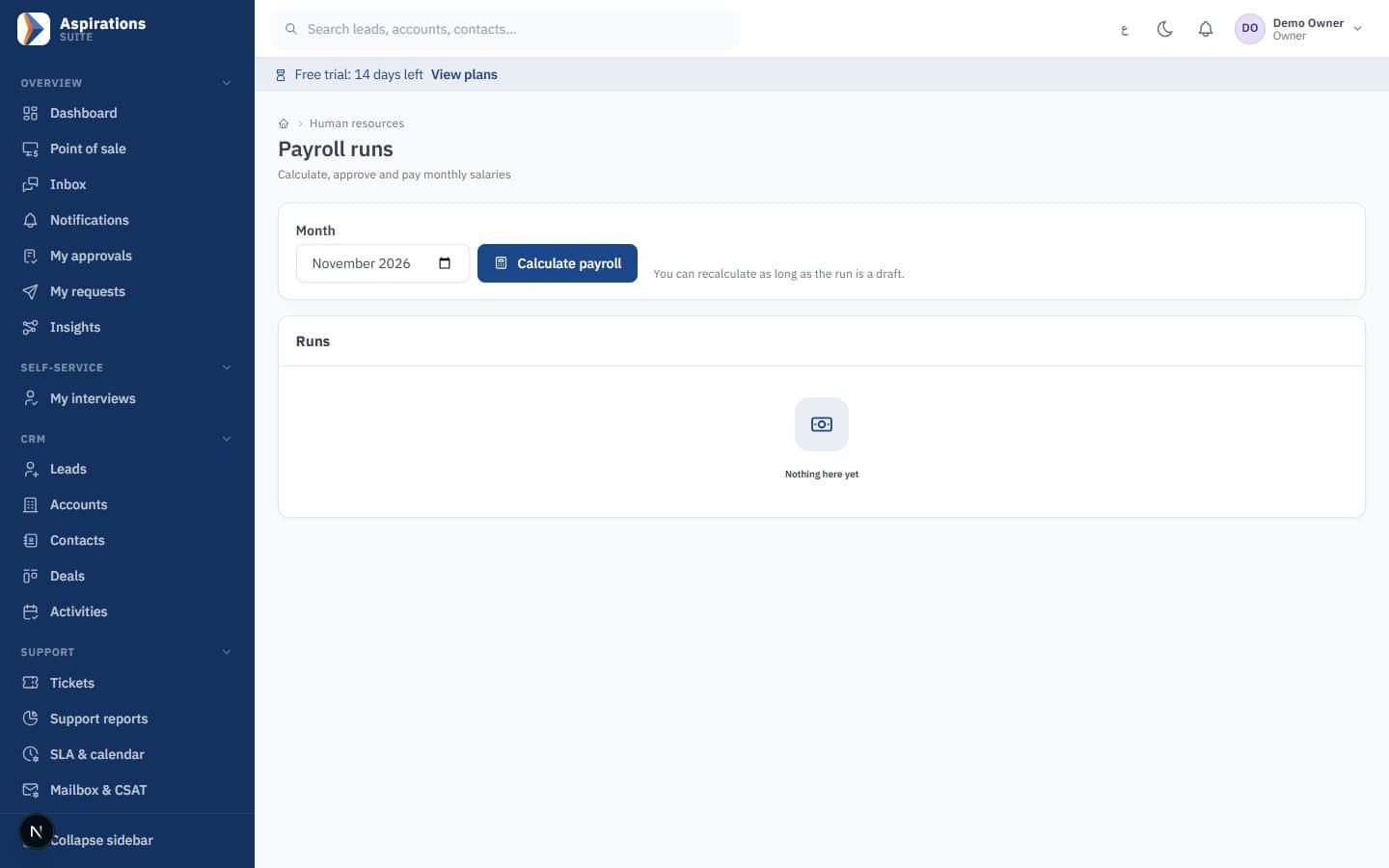
Run payroll with Jordanian social security and income tax or Saudi GOSI, and post it straight to your accounts. Recruitment, attendance, leave, performance and training sit in the same system.
- Social security (SSC) and GOSI
- Government payroll export files
- Rosters checked against attendance
- Employee self-service
Why payroll month is stressful
When attendance, leave and payroll live in different files, every month starts from scratch.
The challenge
Payroll in spreadsheets
Formulas break when rates change, and accounting re-enters the totals.
With Aspirations
Payroll with dated statutory rates, approved once and posted to the ledger by department and branch.
The challenge
Government files rebuilt every month
Bank and social insurance files are assembled by hand and rejected for missing data.
With Aspirations
Export files prepared for WPS/Mudad, GOSI and Jordanian social security (SSC) and salary income tax (formats confirmed with you during setup). Missing IBANs or ID numbers are flagged first.
The challenge
Attendance and leave on paper
Managers approve leave by phone and nobody knows the real balance.
With Aspirations
Employees check in with geofence and request leave themselves, and their manager approves it in the system.
Run payroll with local rules built in
Each payroll uses the statutory rates in force for its month, and posts to accounting on approval.
- Complete payslips — Allowances, overtime, unpaid leave and loan deductions.
- Jordan — Employee and employer social security, salary income tax and the national contribution.
- Saudi Arabia — GOSI contributions and a monthly end-of-service provision.
- Dated rates — When a cap or percentage changes, add the new rate; earlier payslips stay as calculated.
- Approval and posting — Payroll goes through the approval workflow and posts by department cost centre and branch.
- Government files — Export files prepared for WPS/Mudad, GOSI and Jordanian social security (SSC) and salary income tax (formats confirmed with you during setup).
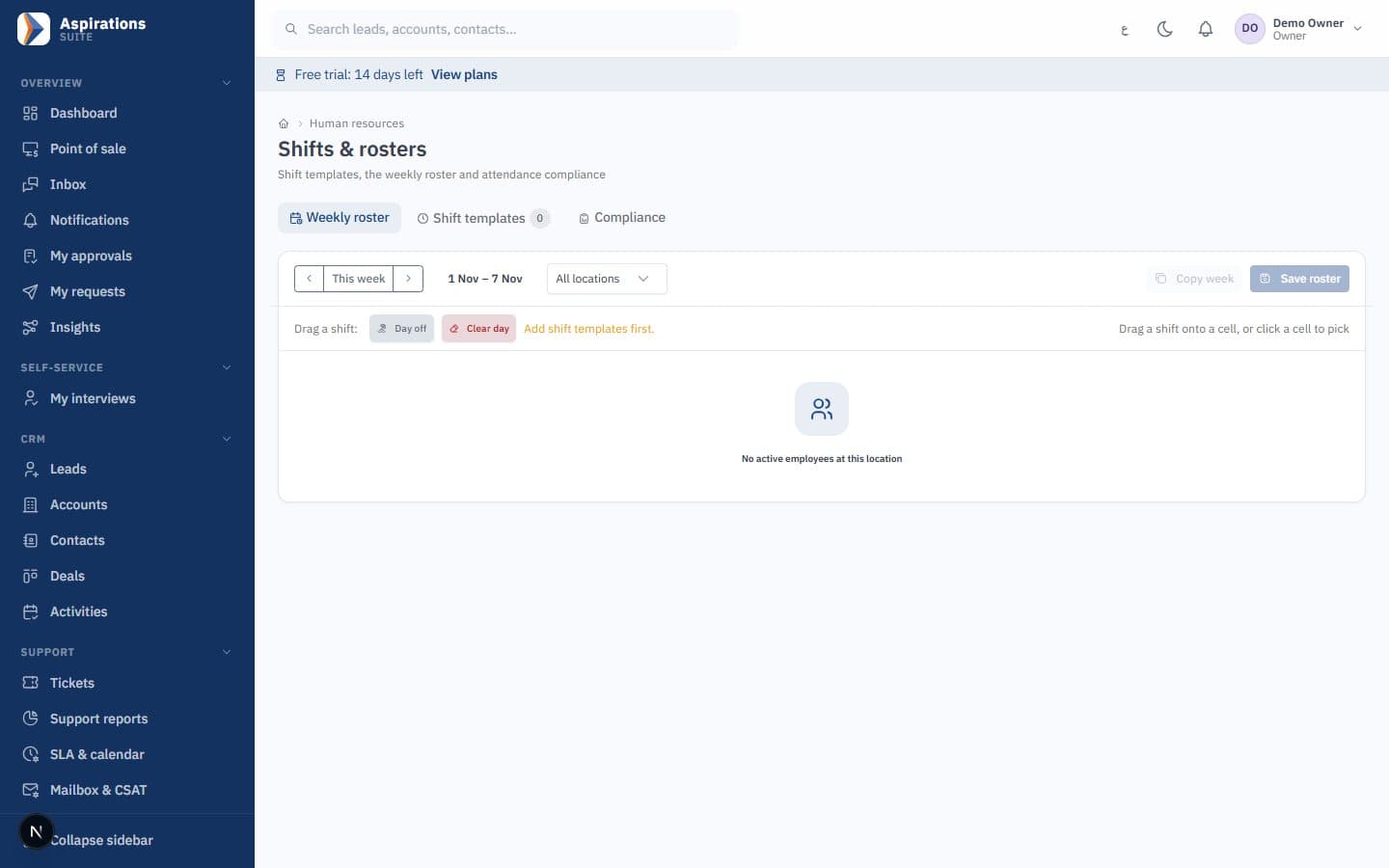
Plan shifts and see who is on time
Rosters are compared with check-ins, so lateness, early leave and overtime feed payroll without manual work.
- Shifts and rosters — Shift templates and weekly rosters, including night shifts.
- Check-in with geofence — Employees check in and out from their phone within their work location.
- Compliance reports — Lateness, early leave and absence against the roster.
- Payroll input — Lateness and overtime are written to attendance; absence deductions stay a manual decision.
- Leave — Leave types and balances, with requests approved by the direct manager.
Hire from opening to offer in one place
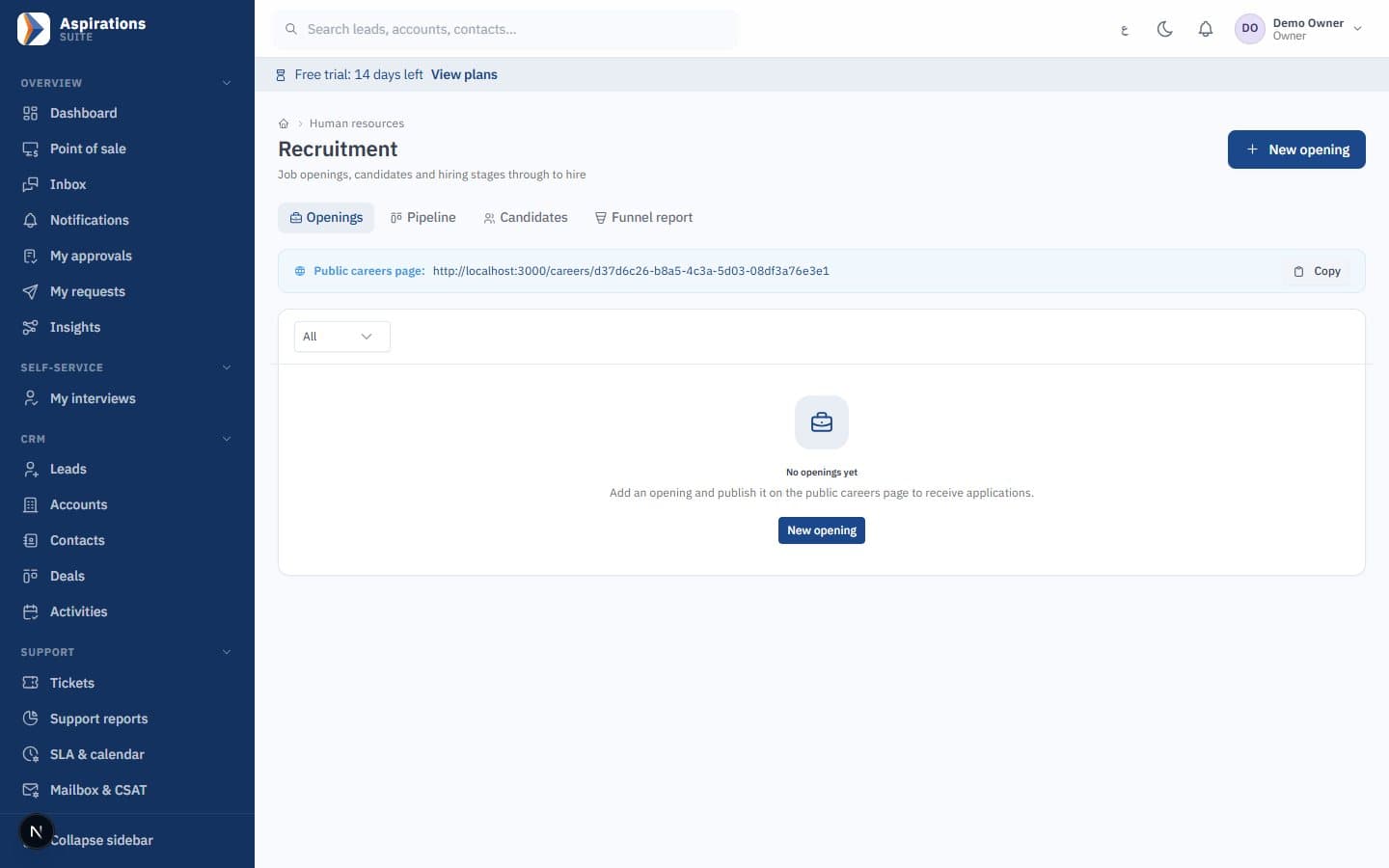
Publish openings, collect applications and move candidates through your stages, then hire without retyping.
- Job openings — Openings with a simple public application page.
- Private CV upload — CVs are stored privately, not on a public link.
- Hiring stages — Move each candidate through the stages you define.
- Interviews and scorecards — Interview panels, with scorecards submitted by each panel member.
- Offer to hire — An accepted offer becomes an employee record.
Develop your people and keep certificates current
Goals, reviews and training records live next to the employee file.
- Goals and KPIs — Set goals and indicators for each employee.
- Review cycles — Self, manager and 360-degree reviews.
- Training records — Courses and certificates for every employee.
- Expiry alerts — Notifications before certificates expire.
One file per employee, from contract to end of service
Everything HR needs about an employee is recorded once and reused by payroll and finance.
- Employee files — Departments, work locations and contracts with allowances.
- Documents — Employee documents with expiry alerts.
- Loans — Employee loans deducted through payroll.
- Medical insurance — Policies, classes and dependants, with premiums posted to each department's cost centre.
- End of service — End-of-service entitlement calculation.
Give employees answers without waiting for HR
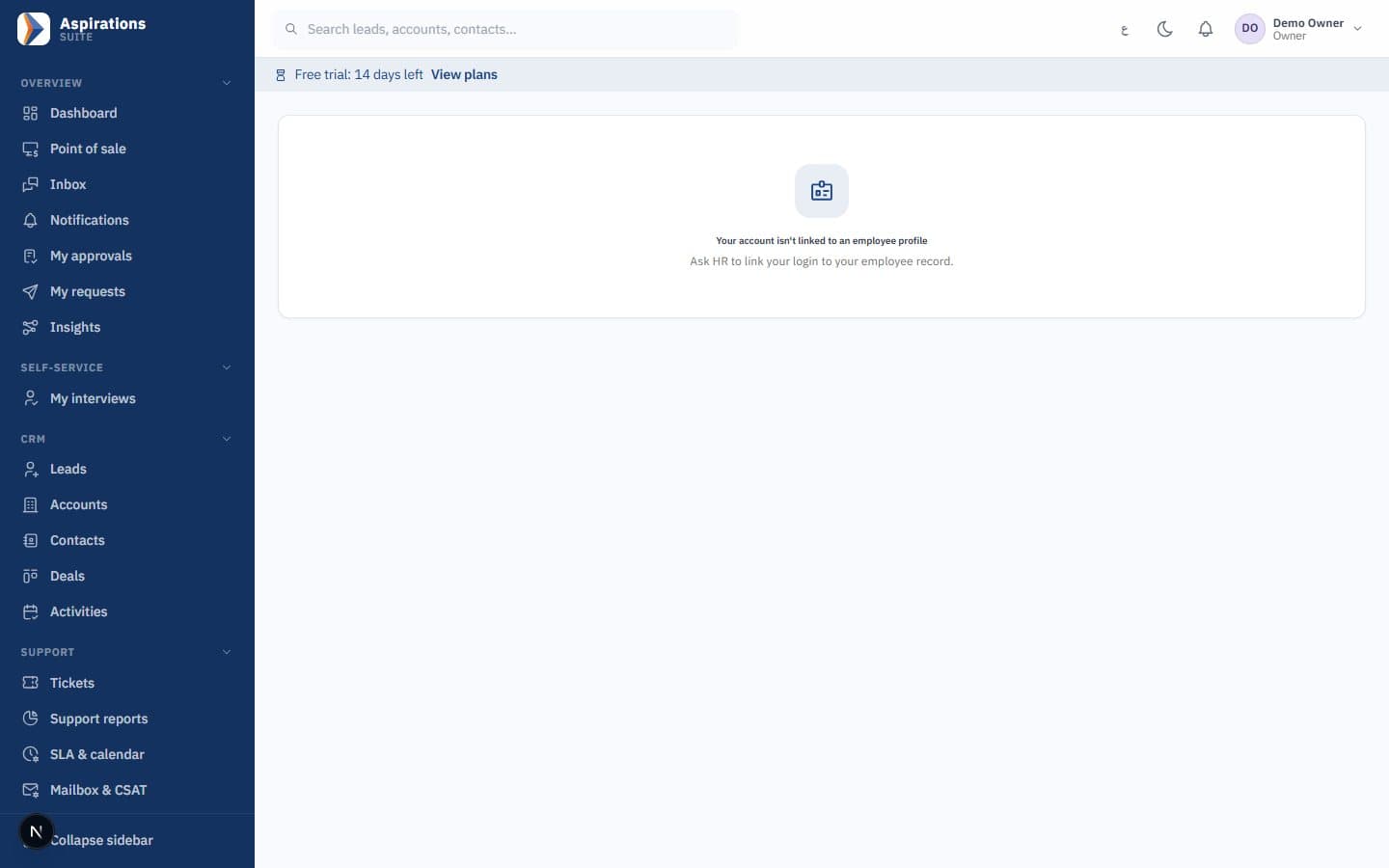
Each employee linked to a user account has a personal area that works on any phone.
- Check in and out — From the phone, with the geofence result recorded.
- Leave — View leave balance and submit requests.
- Roster and attendance — See upcoming shifts and today's attendance.
- Reviews, goals and certificates — Complete assigned reviews and see goals and certificates.
- Interview scorecards — Panel members submit their scorecards from the same area.
Made for Jordan, Saudi Arabia and Syria
Language, taxes, e-invoicing and payroll rules are part of the product, not add-ons.
Arabic first, full English
Every screen, server message and system text in Arabic with a right-to-left layout, and in English. Data import understands Arabic headers and Arabic-Indic digits.
E-invoicing for Saudi Arabia and Jordan
Integrated with ZATCA Phase 2 (Fatoora) — tested on ZATCA's developer environment; each company completes its own onboarding. JoFotara integration ready (UBL 2.1); requires your JoFotara credentials.
Local tax rules
Standard, zero-rated and exempt categories with default rates of 16% in Jordan, 15% in Saudi Arabia and 0% in Syria, all editable. The dinar uses three decimals and Saudi national address fields are supported.
Local payroll rules
Jordanian social security, salary income tax and the national contribution, or Saudi GOSI and the end-of-service provision, with dated rates. Export files prepared for WPS/Mudad, GOSI and Jordanian social security (SSC) and salary income tax (formats confirmed with you during setup).
Online invoice payments
Payment-gateway integration for online invoice payments (configured per company), so customers can pay from the invoice link in the client portal.
WhatsApp built in
A shared inbox on the official WhatsApp Cloud API, WhatsApp template campaigns and client portal links sent by WhatsApp.
Your company data stays yours
Controls that exist in the product today, reviewed in our internal security review.
Isolated company data
Every record belongs to one company and is filtered by it on every read and write. Automated tests register two companies and confirm one cannot reach the other's records.
Cross-company references blocked
A save that points to another company's customer, supplier, cost centre or employee is rejected.
Encrypted credentials
E-invoicing, email and payment-gateway credentials are stored encrypted, never in configuration files.
Role-based permissions
Roles such as owner, admin, accountant, sales manager, sales rep, HR manager, support and cashier. Sales reps see their own records and users can be limited to their branches.
Approval workflows
Approval rules by amount for expenses, supplier bills, purchase orders, leave and payroll. Requesters cannot approve their own requests, and every decision is recorded.
Protected sign-in
Accounts lock after five failed attempts, sign-in is rate-limited, and disabling a user or changing their role applies to their current session.
Activity trails
Approval history, an automation execution log, a client portal action log and an append-only marketing consent log.
Plans for every stage
Plans are being finalised. Tell us your team size and the modules you need, and we will send you an offer.
Questions about Aspirations HR
What HR and finance teams ask before they move payroll.
Which countries' payroll rules are supported?
Can I upload the government files directly?
Can employees request leave themselves?
Is absence deducted from salary automatically?
Does payroll post to accounting?
Can I import my employees?
Is there a free trial?
How much does it cost?
Run your next payroll with confidence
Book a demo and we will walk through employees, attendance, payroll and government files for your country.
Request a demo
Tell us about your workforce and country, and our team will contact you to schedule a live walkthrough of Aspirations HR.
Explore the Suite
CRM, ERP and HR run on the same platform and share the same customers, items, branches and ledger. Start with one and add the others when you need them.