
Payroll software vs Excel: what a Jordan payroll sheet really needs
Most small companies in Jordan start payroll in Excel, and for a handful of employees that can work. This page shows when a payroll Excel template is enough, the columns and formulas a correct Jordan payroll sheet needs, a worked example with 2026 social security and income tax, and the point where payroll software saves more than it costs.
- When Excel is enough, and when it isn't
- A worked payroll row: gross 1,000 JOD to net 912.500 JOD
- The full column list to build your own template
- Moving from Excel with an employee import template
When an Excel payroll sheet is enough
Excel is a reasonable choice when all of these are true:
- You have a very small team, say under ten people, all on fixed monthly salaries.
- Nobody earns near the social security insurable ceiling, and few employees claim extra income tax exemptions.
- There is little overtime, no shift work and no fingerprint device to reconcile.
- One careful person owns the file, and someone else checks it every month.
Past that point, the problem is keeping rates current, knowing who changed what, and rebuilding the same numbers for the bank, social security and accounting.
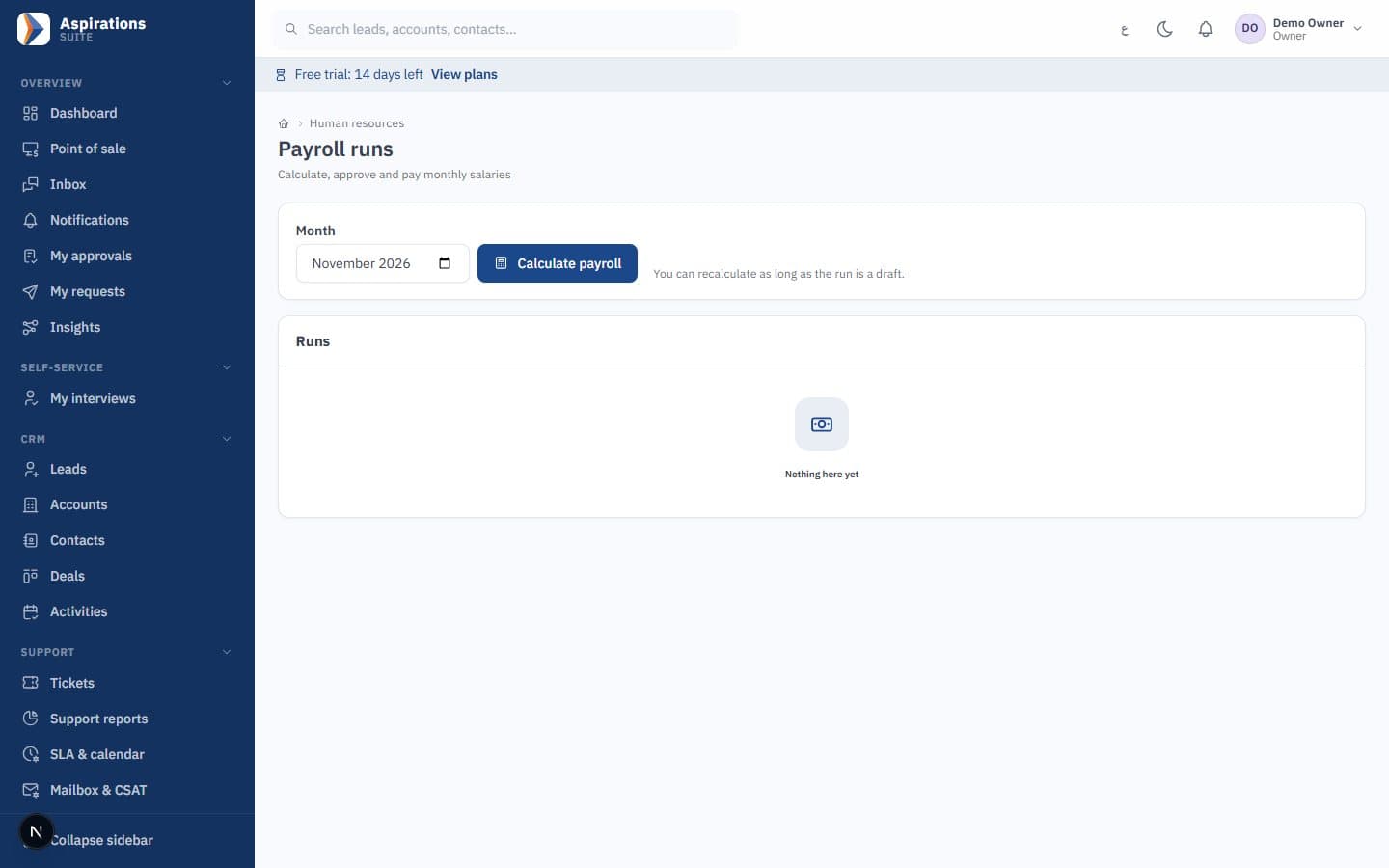
Payroll in Excel vs payroll software
The same monthly tasks, done both ways.
| Task | Excel sheet | Aspirations payroll |
|---|---|---|
| Social security ceiling | Typed into formulas; must be updated every January (3,733 JOD for 2026) in every copy of the file. | A dated rate row. Each month uses the rate in force for that month. |
| Income tax | Bracket formulas and per-employee exemptions maintained by hand. | Brackets, exemptions and the national contribution calculated per employee and withheld monthly. |
| Old months | Changing a rate can silently change last year's results if the sheet is reused. | Calculated payrolls are not touched when a rate changes. |
| Who changed what | No reliable audit trail; versions multiply by email. | Approval workflow; requesters cannot approve their own requests, and every decision is recorded. |
| Overtime and lateness | Device log exported, cleaned and summed by hand. | Flows from attendance automatically, with an editable overtime multiplier. |
| Bank transfer file | Retyped from the sheet; one wrong IBAN digit and the bank rejects it. | Per-bank templates; IBANs validated and missing details flagged before export. |
| SSC and tax files | Rebuilt from the sheet for each submission. | Export files from the approved payroll, in formats confirmed during setup. You submit them. |
| Payslips | Mail merge or copy-paste per employee. | Generated from the payroll run. |
| Accounting | Totals re-entered as a journal, often on one cost centre. | Posted by department cost centre and branch on approval. |
| Cost | Already on your PC. | Plans are being finalised; a free trial is available. |
The real risks of payroll in Excel in Jordan
Payroll rules change, and a file doesn't know they did.
The challenge
The ceiling and the brackets change
The insurable ceiling is set every year, and tax exemptions are per employee. A sheet built last year keeps last year's assumptions until someone notices.
With Aspirations
Store rates with an effective date, never inside formulas, so each month is calculated with the rules in force at the time.
The challenge
Formula errors that look right
A row inserted outside a SUM range, a formula overwritten with a value, a copied cell pointing at the wrong row. The total still looks plausible.
With Aspirations
Compare net pay and total employer cost to last month for every employee, and investigate any change you can't explain.
The challenge
No audit trail at final settlement
When an employee leaves and questions a deduction from eight months ago, the version of the file that produced it may be gone.
With Aspirations
Keep each month's approved payroll locked and its history kept, which is what payroll software does by default.
Worked example: one Jordan payroll row in 2026
A single employee with no extra exemptions and a gross monthly salary of 1,000 JOD, below the 3,733 JOD insurable ceiling. Tax is calculated on gross salary minus exemptions. Real results depend on your insurable wage base, allowances and each employee's exemptions; check your own figures with the net salary calculator.
| Line | How | JOD |
|---|---|---|
| Gross salary | Basic + allowances | 1,000.000 |
| Employee social security | 1,000 × 7.5% | 75.000 |
| Annual taxable income | 1,000 × 12 − 9,000 personal exemption | 3,000 |
| Annual income tax | 3,000 × 5% | 150.000 |
| Monthly income tax | 150 ÷ 12 | 12.500 |
| Net salary | 1,000 − 75 − 12.5 | 912.500 |
| Employer social security | 1,000 × 14.25% | 142.500 |
| Total employer cost | 1,000 + 142.5 | 1,142.500 |
If this employee also claimed the 9,000 JOD dependants exemption, exemptions would exceed the 12,000 JOD annual salary and no tax would be withheld. That one setting changes the net by 12.500 JOD a month, the kind of difference that hides in a shared spreadsheet. For the full rules, read our guides on social security contribution rates and income tax on salaries in Jordan, or try the social security calculator.
Payroll Excel template for Jordan: the columns you need
If you are staying on Excel for now, you can download our free payroll Excel template with these formulas already built, or build your own sheet with these columns. Keep rates (ceiling, percentages, exemptions) on a separate "Rates" sheet with the year, and point formulas at it instead of typing numbers into them.
| Column | What it holds / formula |
|---|---|
| Employee number, name, national ID | Identity; the national ID is also needed for SSC and bank files. |
| SSC number | The employee's social security number. |
| Department / cost centre, branch | So salary costs reach the right place in accounting. |
| Bank and IBAN | For the transfer file; check the IBAN length and digits. |
| Basic salary, housing, transport, other allowances | The salary structure. |
| Gross salary | Sum of the salary lines. |
| Insurable wage | MIN(insurable base, ceiling); the base is whatever your establishment registers (gross, basic + housing, or basic). |
| Employee SSC | Insurable wage × 7.5%. |
| Employer SSC | Insurable wage × 14.25% (a company cost, not deducted). |
| Exemptions | 9,000 personal, 9,000 dependants if claimed, up to 1,000 per person extra, family cap 23,000. |
| Annual taxable income | MAX(0, gross × 12 − exemptions). |
| Annual and monthly income tax | Brackets 5%, 10%, 15%, 20% per 5,000 JOD, 25% to 1,000,000, 30% above; divide by 12. National contribution: 1% above 200,000. |
| Overtime | Hours × hourly rate × at least 125% (at least 150% on weekly rest days and holidays, Labour Law Art. 59). |
| Lateness, unpaid leave, loan instalments | Deductions by policy and approved requests. |
| Net salary | Gross + overtime − employee SSC − monthly tax − deductions. |
| Total employer cost | Gross + overtime + employer SSC. |
One formula for the tax brackets
Because every bracket is 5 points above the one before, the annual tax on a taxable amount in cell T2 can be written in one formula:
=SUMPRODUCT((T2>{0;5000;10000;15000;20000;1000000})*(T2-{0;5000;10000;15000;20000;1000000})*0.05)
For 3,000 JOD it returns 150; for 21,000 JOD it returns 2,750. In Excel set to Arabic regional settings, the separators inside formulas may differ (for example a semicolon between arguments), so adjust if Excel rejects it.
What payroll software does that a template can't
Payroll is not only the calculation. It is everything before and after pay day.
- Attendance import — Overtime and lateness come from fingerprint devices or a file import, not a hand-cleaned log.
- Bank salary files — Per-bank transfer templates with IBAN checks, generated from the approved payroll so totals always match.
- Payslips and history — Every employee's payslips and every rate used are kept, month by month.
- Final settlements — Notice, unused leave and the last salary are prepared from the same employee file when someone leaves.
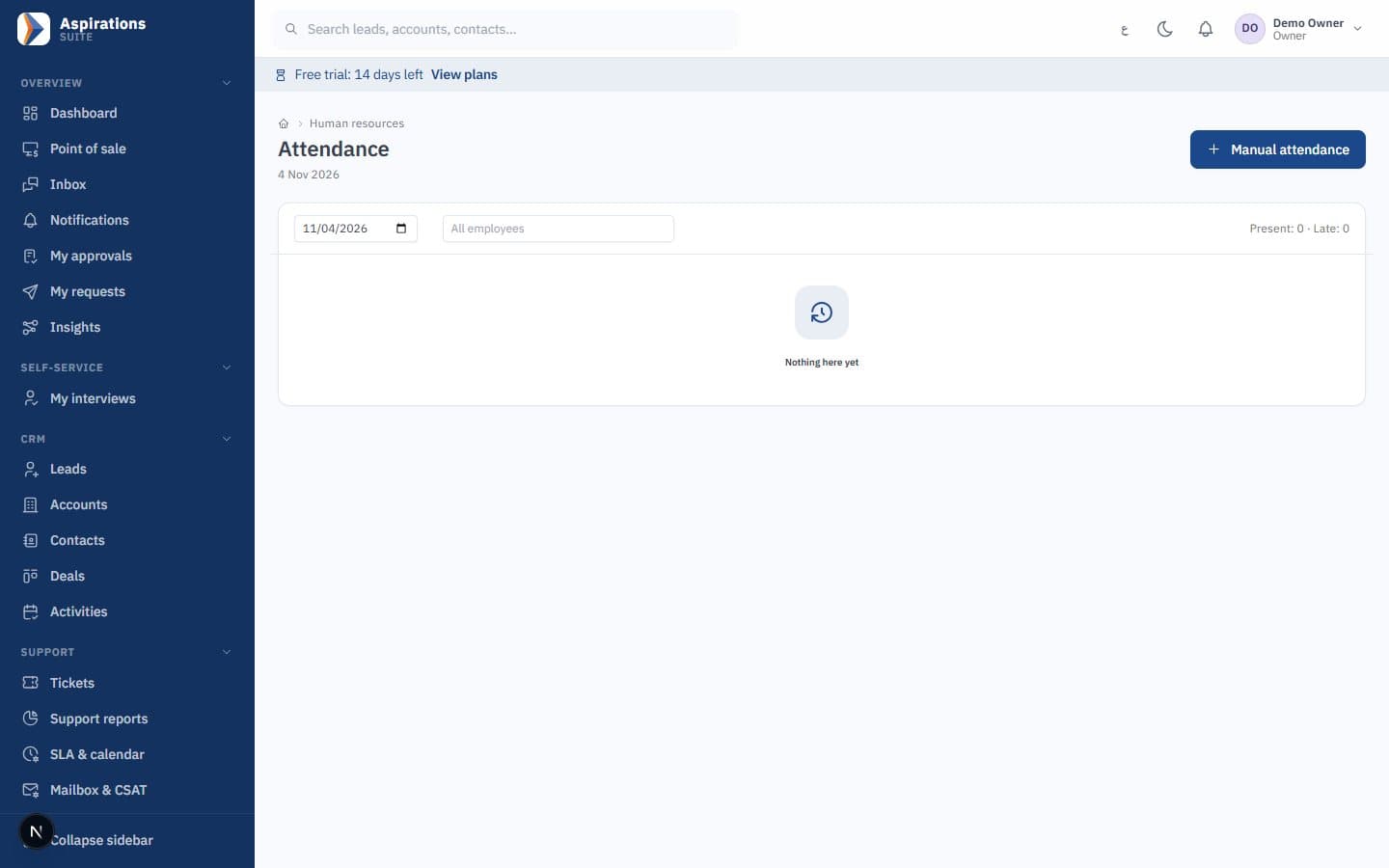
Moving payroll from Excel to Aspirations
Your existing sheet is the starting point, not wasted work.
Fill the employee template
Copy your columns into the employee import template, with Arabic or English headers: personal data, department, bank details, SSC number and salary with allowances.
Preview errors
Every error is shown by row and column. Nothing is saved until the whole file is clean.
Confirm rates and wage base
We review the dated SSC and tax rates with you and set your insurable wage base.
Run one month side by side
Run a month in Aspirations next to your sheet and compare employee by employee before going live.
Related pages
Payroll, HR and the free tools behind this page.
Choosing payroll software
If you have decided to move, our guide on how to choose payroll software in Jordan lists the questions to ask any vendor, and the payroll software page shows how Aspirations answers them.
Questions about payroll in Excel
What small companies ask before they switch.
Is Excel good enough for payroll?
What columns does a Jordan payroll Excel template need?
How do I calculate social security in an Excel payroll sheet?
Do you provide a free payroll Excel template?
Can I import my Excel payroll into Aspirations?
How much does payroll software cost compared with Excel?
Bring your Excel sheet to the demo
We will import a few employees from your file and run a month to compare line by line.
Request a payroll demo
Tell us how many employees you pay today and how, and we will schedule a walkthrough.