
Employee self-service app and portal for companies in Jordan
Aspirations gives every employee a self-service portal that works in any phone browser, in Arabic and English. Employees request leave, see their balance and payslips, check in by location, correct attendance, submit expense claims with receipts and acknowledge custody items. Managers approve their team's requests from the same screen, and HR stops retyping WhatsApp messages and paper forms.
- Leave requests and live balance from the phone
- Payslips, attendance and roster in one place
- Expense claims with receipts, limits and approval
- Manager approvals and real-time notifications
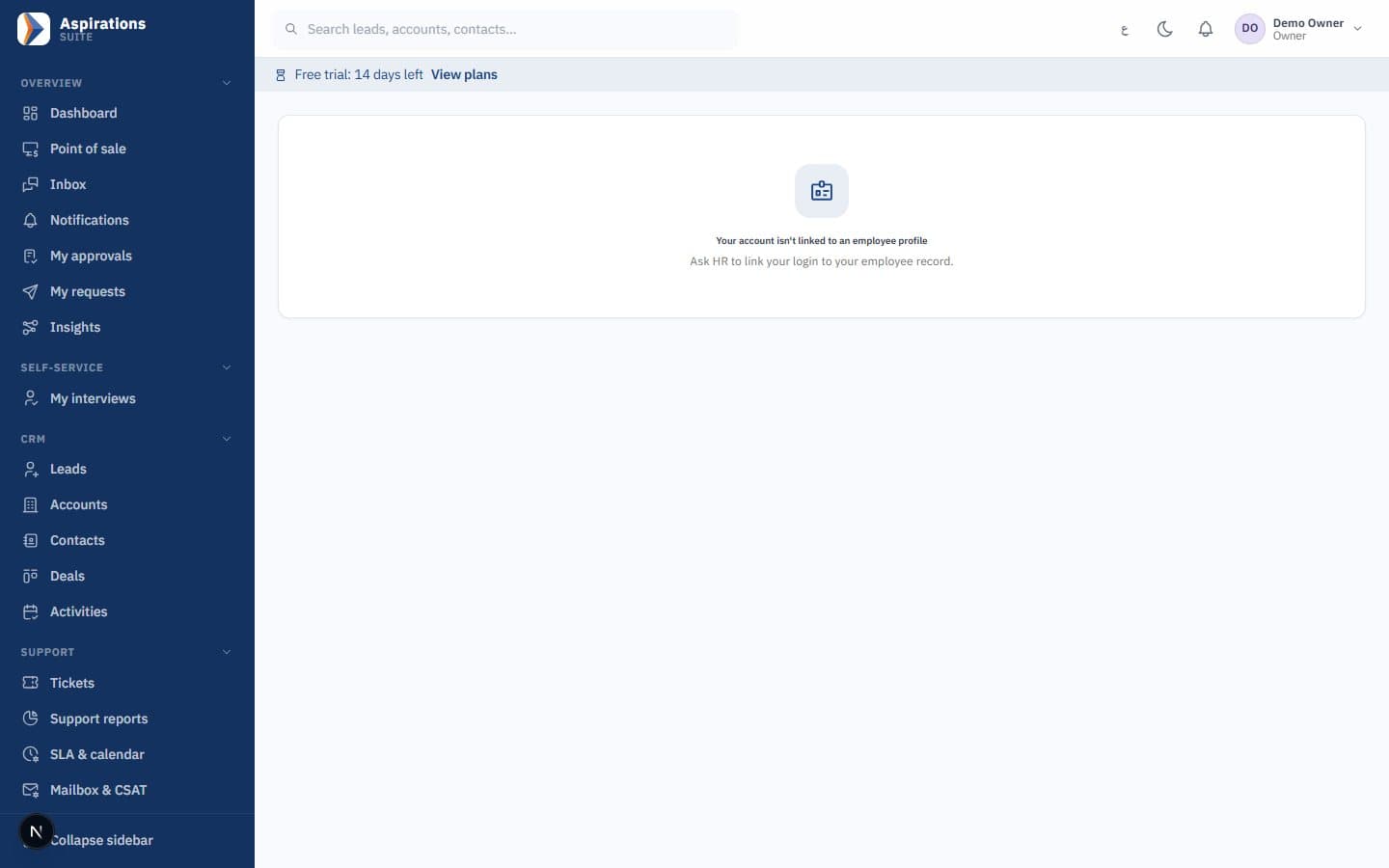
Why HR spends its day answering the same questions
Most requests that reach HR are not decisions. They are lookups and forms that the employee could handle alone.
The challenge
"How many leave days do I have left?"
Balances live in a spreadsheet only HR can open, so every employee asks, and every answer is a manual lookup.
With Aspirations
The employee sees entitlement, used, pending and remaining days on their profile, updated as requests are approved.
The challenge
Leave requests on WhatsApp
A message to the manager, a forward to HR, and nobody is sure whether it was approved or recorded.
With Aspirations
Requests go through your approval workflow. Each step is recorded, and the balance and payroll see the result.
The challenge
Expense receipts in a drawer
Employees pay from their pocket, collect receipts and wait weeks for someone to rebuild the claim in Excel.
With Aspirations
Claims are filed with photos of the receipts, checked against your policy, approved and reimbursed through payroll or a payment voucher.
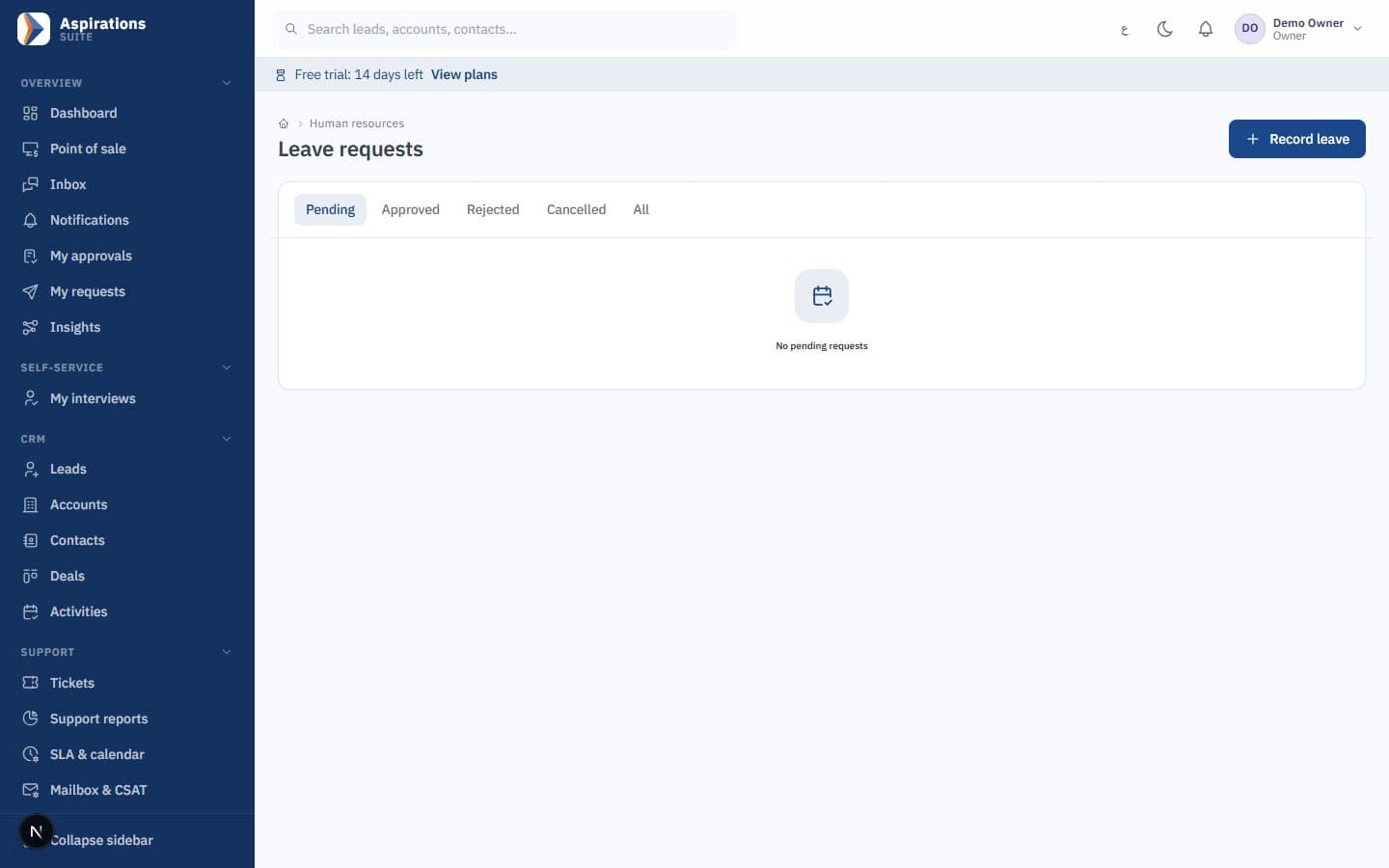
Leave requests from the phone, with the balance in front of you
Leave is the most common reason employees contact HR. Self-service turns it into a request with a clear status.
- Leave balance — Entitlement, used, pending and remaining days per leave type, visible to the employee at any time.
- Requests and approval — The employee picks the type and dates; the request follows the multi-step approval workflow you define, and the employee sees each decision.
- Payslips — Payslips of approved payroll runs appear in the portal and can be viewed and printed, so no one emails PDFs one by one.
- Team requests for managers — Managers see and approve their team's requests from the approvals screen, on the phone or the desktop.
Check in by location and fix attendance with a reason
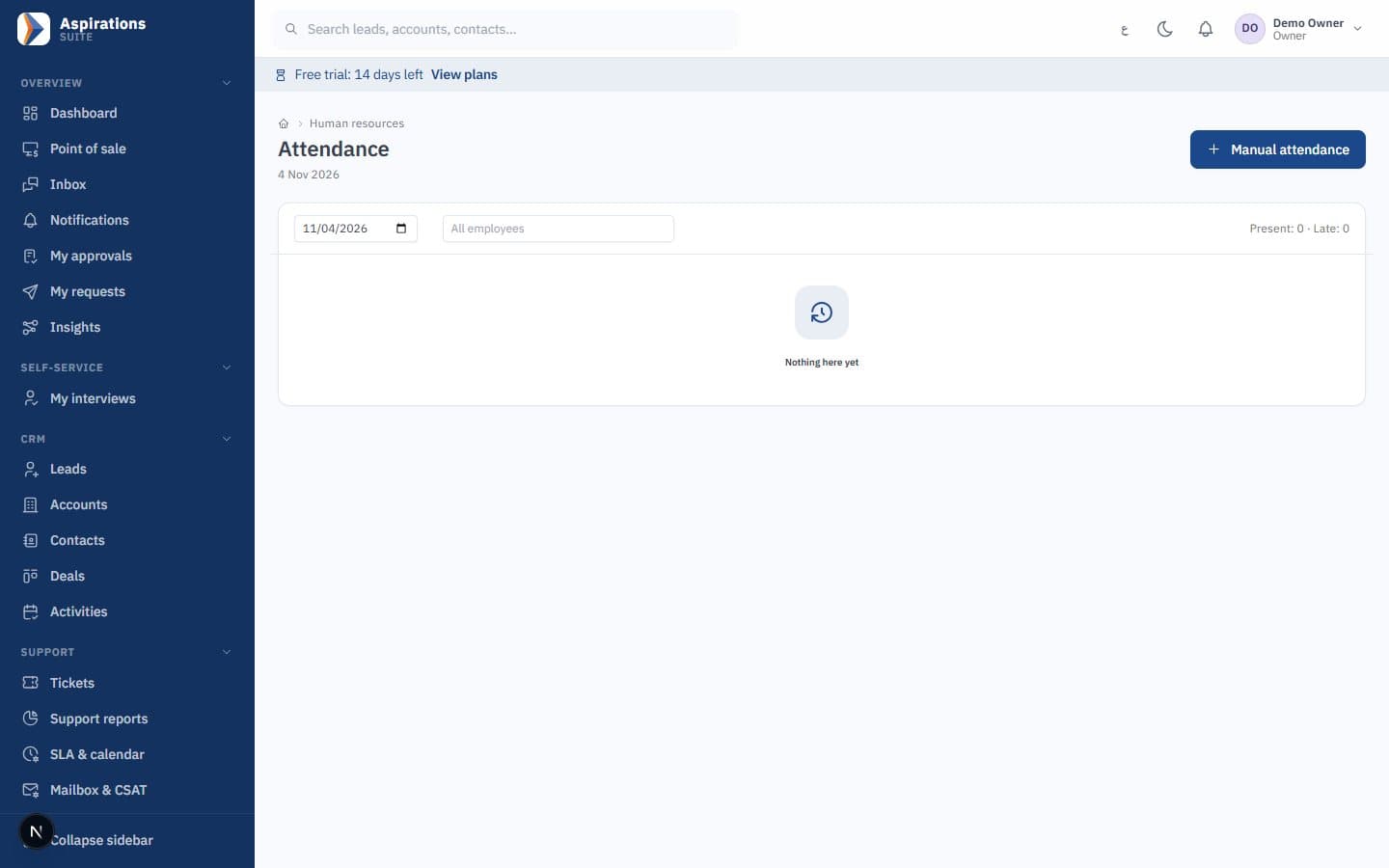
For staff who are not near a fingerprint device, the portal records attendance from the phone browser.
- GPS check-in and check-out — Each employee has a work location with a radius. A check-in from outside that radius is rejected.
- Attendance timeline — The employee sees their own days, late minutes and missing punches.
- Correction requests — A forgotten punch becomes a correction request with a reason, approved by the manager instead of edited silently.
- Team attendance and roster — Managers see who is in today; employees see their roster and shifts.
Expense claims software built into the employee portal
Expense claims are a workflow with money at the end. Aspirations handles the request, the policy, the approval, the journal entry and the reimbursement in one place.
- Claim with receipts — The employee adds lines by category with amount, date, project and a receipt photo or file (PDF, JPG, PNG or WebP up to 5 MB).
- Clear statuses — Draft, submitted to the direct manager, through the approval workflow, approved, reimbursed, or rejected or cancelled, with an event timeline on every claim.
- Policy per category — Each category has a ledger account, a per-claim and monthly limit, an option to block amounts over the limit, a receipt threshold, a maximum age and a project requirement.
- Flags before approval — The approver sees flags for over limit, over monthly limit, missing receipt, old expense, missing project and possible duplicate.
From an expense claim to the ledger and the payslip
Most expense tools stop at "approved", and finance rebuilds the entry by hand. In Aspirations an approved claim already knows where it belongs.
- Multi-currency lines: a hotel paid in Riyals on a trip to Riyadh is converted at the rate of the expense date, so the claim is in dinars without anyone looking up rates.
- The journal entry on approval: each category's expense account is debited with the line's cost centre or project, and employee claims payable is credited. Travel, fuel and client entertainment land in the right accounts automatically.
- Reimbursement two ways: add the amount to the next payroll as a non-taxable reimbursement line, or pay it immediately with a payment voucher. Either way the payable is cleared and the claim shows as reimbursed.
- Reports: spending by category, by employee, by cost centre and by status, so you see what is waiting for approval and what is approved but not yet paid.
Example
A sales rep visits customers in Irbid: 18 JOD fuel, 35 JOD lunch with a customer, and 5 JOD parking with no receipt. Fuel has a receipt and fits the limit. Lunch exceeds the client-entertainment limit, so it is flagged. Parking is below the receipt threshold, so no flag. The manager approves fuel and parking and approves lunch with a comment. The entry posts to fuel and entertainment under the sales cost centre, and the 58 JOD reaches the rep with the month's salary.
More than leave: the employee's whole file
The same portal covers the requests and acknowledgements that usually need a visit to HR.
Custody items
Acknowledge a laptop, phone, vehicle, SIM card, keys, access card or tools handed over, with photos.
Project timesheets
Log hours per project and submit them for manager approval.
My documents
The employee's own documents, available without asking HR for a copy.
Disciplinary cases
Read the charge, give a statement, acknowledge, appeal and see the final letter, all on record.
Performance and goals
Reviews, goals, interviews and certificates in one place.
Real-time notifications
In-app notifications when a request is approved, rejected or needs action, plus offboarding tasks at exit.
What is not included
We prefer you know this before the demo:
- Not in the stores yet. The portal is a responsive web app that works in any phone browser. A native iOS and Android app with the same self-service and approval screens is built and coming to the App Store and Google Play.
- No selfie or photo check-in. Check-in is validated by GPS radius. Each employee has one assigned work location, so staff who move between sites need their location changed. Fingerprint devices are covered by the attendance system.
- No loan or salary-advance requests by employees. HR creates loans, and instalments are deducted through payroll.
- No salary certificate requests. Clearance and experience certificates are issued at exit only.
- No petty cash module. Out-of-pocket spending goes through expense claims.
For the rules behind the requests employees make most, see our guides on annual leave in Jordan, sick and maternity leave and shift scheduling.
How employees start using self-service
Self-service works when the employee data behind it is right.
Import employees
Bring in employees, departments, managers and leave balances from a template, with errors previewed before saving.
Set approval rules
Define who approves leave, corrections and expense claims, in how many steps.
Add locations and categories
Set work locations with a radius, and expense categories with limits and accounts.
Invite employees
Each employee receives access and opens the portal in their phone browser.
Related pages
Self-service feeds payroll, attendance and accounting.
Questions about employee self-service
What HR teams ask before they open self-service to employees.
Is there an employee app in the App Store or Google Play?
Can employees request leave from their phone?
How does check-in by location work?
How are expense claims approved and paid?
Can I set limits on expense claims?
Can employees request a salary advance or salary certificate?
How much does it cost, and is there a trial?
Give your employees answers without a visit to HR
Book a demo and we will walk through a leave request, an attendance correction and an expense claim from the phone to the ledger.
Request a self-service demo
Tell us your number of employees and locations, and we will schedule a live walkthrough.