
WhatsApp CRM: a full CRM with WhatsApp built in, not just a messaging tool
Aspirations CRM connects your company's WhatsApp number to a complete CRM. Every conversation is linked to a contact, lead, deal or support ticket, your whole team answers from one number, and campaigns go only to customers who agreed to receive them. It runs on the official WhatsApp Business API (Cloud API) and works in Arabic and English.
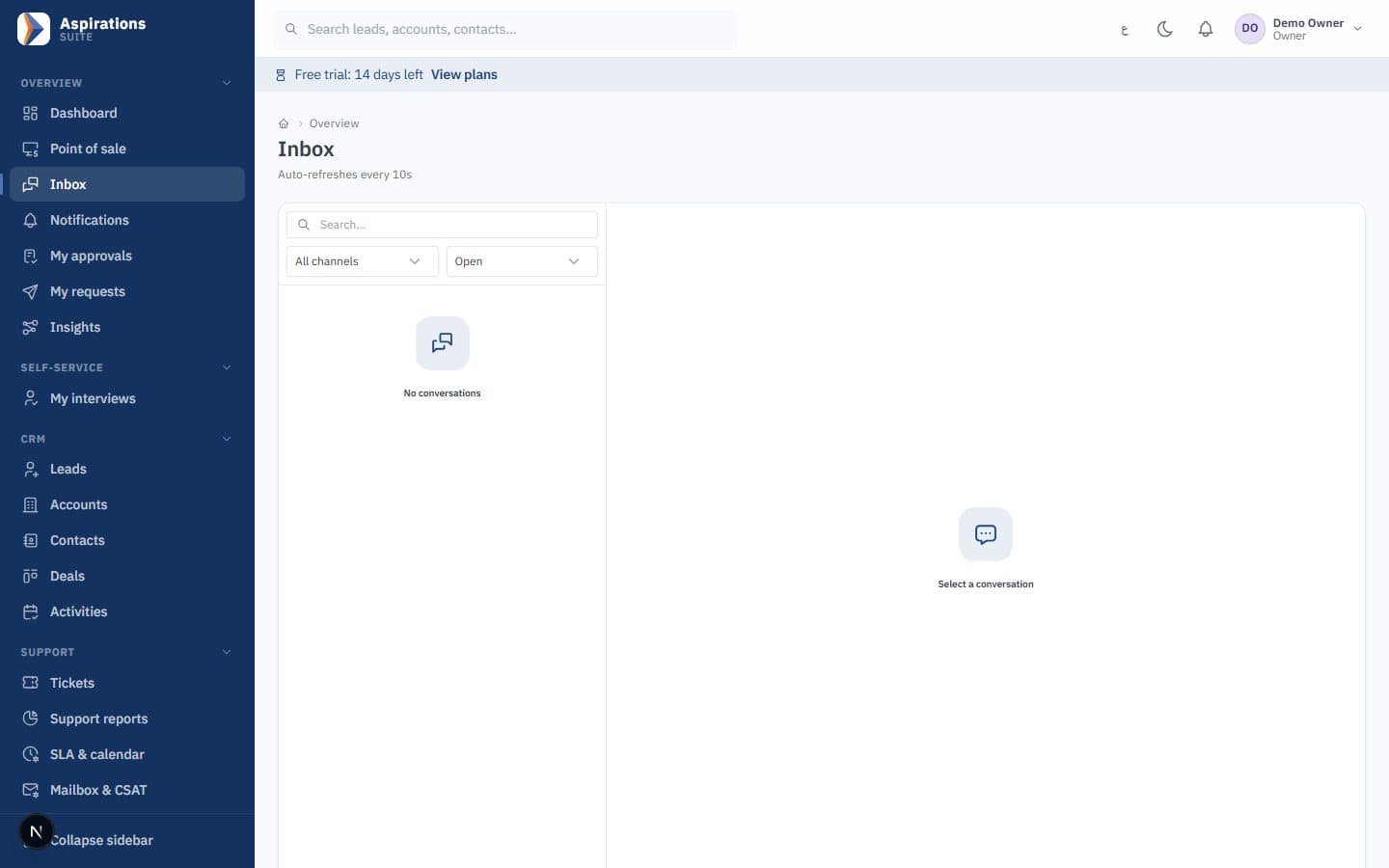
- Shared team inbox on the official WhatsApp Cloud API
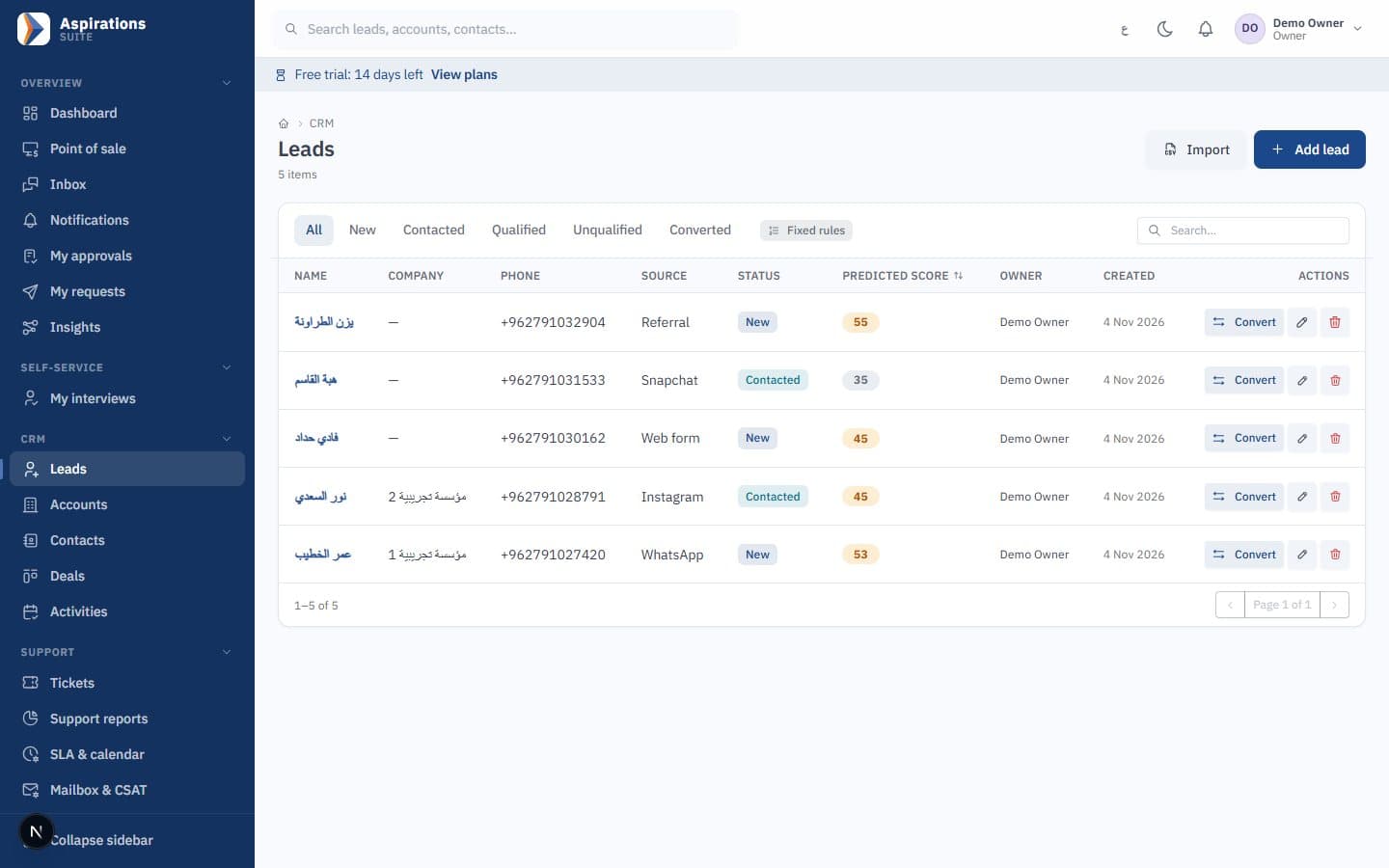
- Unknown numbers become leads automatically
- Template campaigns with consent, STOP and a sending limit
- Conversations turn into tickets with SLA
Why WhatsApp on staff phones stops working as you grow
In Jordan most customers start on WhatsApp. When those chats live on personal phones, the company loses the history, the follow-up and the customer.
The challenge
One phone, one person
The business app sits on one device. When that employee is busy, on leave or leaves the company, the conversations go with them.
With Aspirations
Conversations land in a shared inbox where each one is assigned to a teammate, and the history stays on the customer record.
The challenge
Chats that never become sales
Inquiries are answered, then forgotten, because nothing links the chat to a lead or a deal.
With Aspirations
A new number creates a lead automatically, and the conversation follows it into the pipeline, the quote and the invoice.
The challenge
Broadcasts that get the number blocked
Sending the same message to a long list from a phone invites reports and blocks.
With Aspirations
Campaigns use Meta-approved templates, go only to contacts with marketing consent, honour STOP, and are sent at a per-minute limit.
A WhatsApp system for companies: one number, the whole team
The WhatsApp Business API lets several employees answer from the same number. Aspirations adds the CRM behind each chat.
- Official Cloud API — Send and receive messages with delivery and read statuses. Incoming messages are checked against Meta's signature before they are accepted.
- Automatic linking — Messages link to the existing contact, or create a new lead when the number is unknown.
- Assignment — Assign a conversation to a teammate; sales reps see their own records while managers see everything.
- The 24-hour window — Free-form replies are possible while the customer service window is open; after it closes, you continue with an approved template.
From the first WhatsApp message to a closed deal
WhatsApp is where the conversation starts. The CRM is where it turns into revenue.
- Leads with a source — Leads from WhatsApp, your website forms and imports, with campaign source, scoring and duplicate detection.
- Pipelines and quotes — Kanban pipelines with mandatory loss reasons, and quotes that convert to invoices ready for JoFotara.
- Client portal links — Send a one-time link by WhatsApp or email so the customer can accept a quote, view invoices and pay online where a gateway is configured.
- Follow-up tasks — Calls, meetings and visits linked to the lead, with today and overdue lists for every rep.
Customer service on WhatsApp, with a clock
Complaints and requests that arrive on WhatsApp get an owner and a deadline.
- Convert to ticket — Turn a conversation into a support ticket in one step; the recent messages are copied and the SLA clock starts from the customer's first unanswered message.
- Replies through WhatsApp — Agent replies on a WhatsApp ticket are sent through the same conversation, within the 24-hour window.
- Customer replies reopen — When the customer writes again, the message joins the ticket and reopens it if it was pending or resolved.
- Satisfaction — A rating link is sent when the ticket is resolved, and reports show SLA compliance by agent.
Bulk WhatsApp messages, the right way: template campaigns with consent
Bulk WhatsApp messaging is allowed through the API only with approved templates. Aspirations adds the consent and limits that protect your number.
- Segments — Build audiences from contacts, companies or leads with filters, plus manually added members, and preview the count before sending.
- Consent at two moments — Consent is checked when the audience is frozen and again at the moment of sending, so someone who opts out mid-campaign receives nothing more.
- STOP in Arabic and English — Replies such as STOP, unsubscribe, إلغاء or إيقاف record a withdrawal for every contact with that number.
- Sending limit and stats — A per-minute sending limit, pause and resume, and statistics for sent, delivered, read, failed, replied and converted to lead.
WhatsApp messages sent by your rules
"When X happens, if Y, then do Z", with no code.
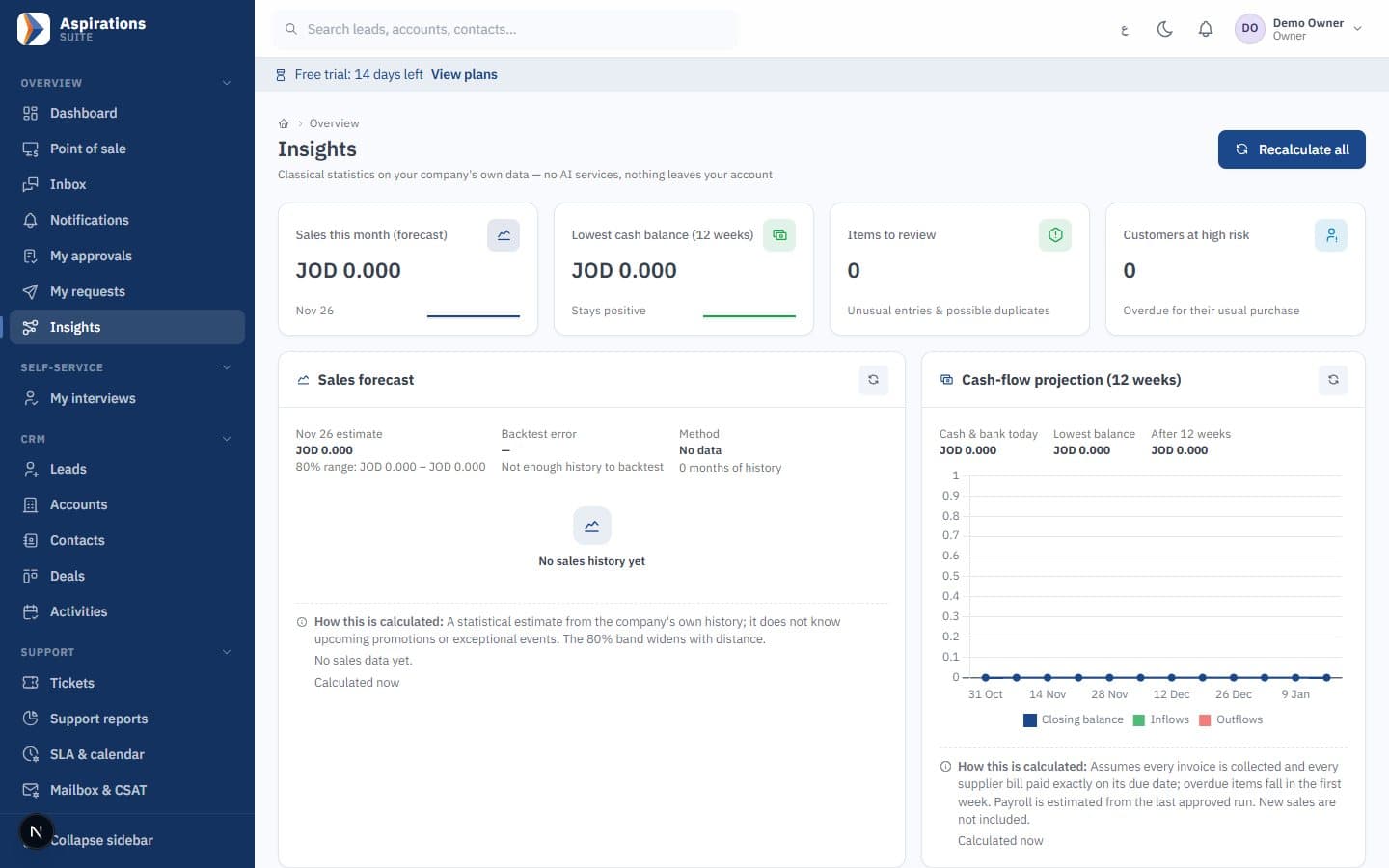
- Triggers — New lead, deal stage change, overdue invoice, new or breached ticket, overdue activity, a tag added, a Lead Ads form, or an incoming webhook.
- WhatsApp template action — Send an approved template to the contact on the record, with fields such as the customer's name filled in. Templates sync from your WhatsApp account and can be created and submitted from the CRM.
- Follow-up sequences — Mix WhatsApp template steps with email, calls and tasks on a schedule; the sequence stops when the customer replies on any channel.
- Consent respected — Automation never messages a number that withdrew consent, and marketing messages require explicit consent.
- Safe by design — Loop protection, a per-record hourly limit and an execution log for every run.
What the WhatsApp Business API costs, and what you need to start
There are two separate costs. Your Aspirations subscription covers the CRM. Messaging fees are charged by Meta and paid to Meta; they are not part of our plans.
How Meta charges
- Since 1 July 2025, Meta charges per delivered template message rather than per conversation.
- Template messages fall into categories: marketing, utility and authentication. The rate depends on the category and the recipient's country.
- When a customer messages you, a 24-hour customer service window opens. Inside it you can reply freely; outside it you can only send approved templates.
- Meta updates its rates and free allowances from time to time. Check the current figures on Meta's official WhatsApp pricing page (developers.facebook.com/docs/whatsapp/pricing) before budgeting.
What you need
| Item | Who provides it |
|---|---|
| Meta Business app connected to the WhatsApp Cloud API | Your company, with our help during setup |
| A verified business phone number | Your company |
| Message templates approved by Meta (for campaigns and messages outside the 24-hour window) | Written with you, approved by Meta |
| Recorded marketing consent for each contact you will market to | Collected in the CRM, on your website forms or imported with proof |
Is it right for your company?
If more than one person answers WhatsApp, if inquiries turn into quotes and invoices, or if you need a record of every complaint and how fast it was answered, you need a CRM with WhatsApp rather than an app on one phone. If you get a few messages a day and one person answers them, the free WhatsApp Business app may be enough for now.
Plan limits on monthly messages include campaigns; when a limit is reached the campaign pauses rather than failing silently. For a step-by-step explanation, read our WhatsApp Business API guide for companies.
WhatsApp Business app or a WhatsApp CRM?
Both are useful. They solve different problems.
| WhatsApp Business app | Aspirations WhatsApp CRM | |
|---|---|---|
| Who answers | The person holding the phone | Any assigned teammate from one number |
| Customer history | Inside the chat | On the customer record with deals, tickets and invoices |
| Bulk messages | Broadcast lists to saved contacts | Approved template campaigns to opted-in segments, with STOP |
| Follow-up | Memory and notes | Leads, tasks, automation and SLA |
| Reports | Basic message statistics | Delivery, replies, conversions and SLA by agent |
Related pages
WhatsApp is one channel in a complete platform.
Questions about WhatsApp CRM
What sales and support teams ask before they connect WhatsApp.
Can several employees use the same WhatsApp number?
How much do WhatsApp API messages cost?
Can I send bulk WhatsApp messages without getting blocked?
What is the 24-hour window?
What do I need to connect WhatsApp?
Does the inbox include Instagram, Messenger or website chat?
How much does Aspirations cost, and is there a trial?
Bring your WhatsApp conversations into your CRM
Book a demo and we will show the shared inbox, leads, tickets and a consent-based campaign on sample data from your sector.
Request a WhatsApp CRM demo
Tell us how many people answer WhatsApp in your company, and we will schedule a live walkthrough.