
POS system for Jordan, linked to JoFotara, stock and your accounts
Aspirations POS is cashier software for shops, supermarkets and pharmacies in Jordan. Every sale is an invoice from the same engine as the rest of the ERP: it takes the item out of stock, posts revenue, tax and cost to the ledger, and goes to JoFotara, the national e-invoicing system, with the returned QR code on the receipt. If the internet drops, the register keeps selling and uploads later.
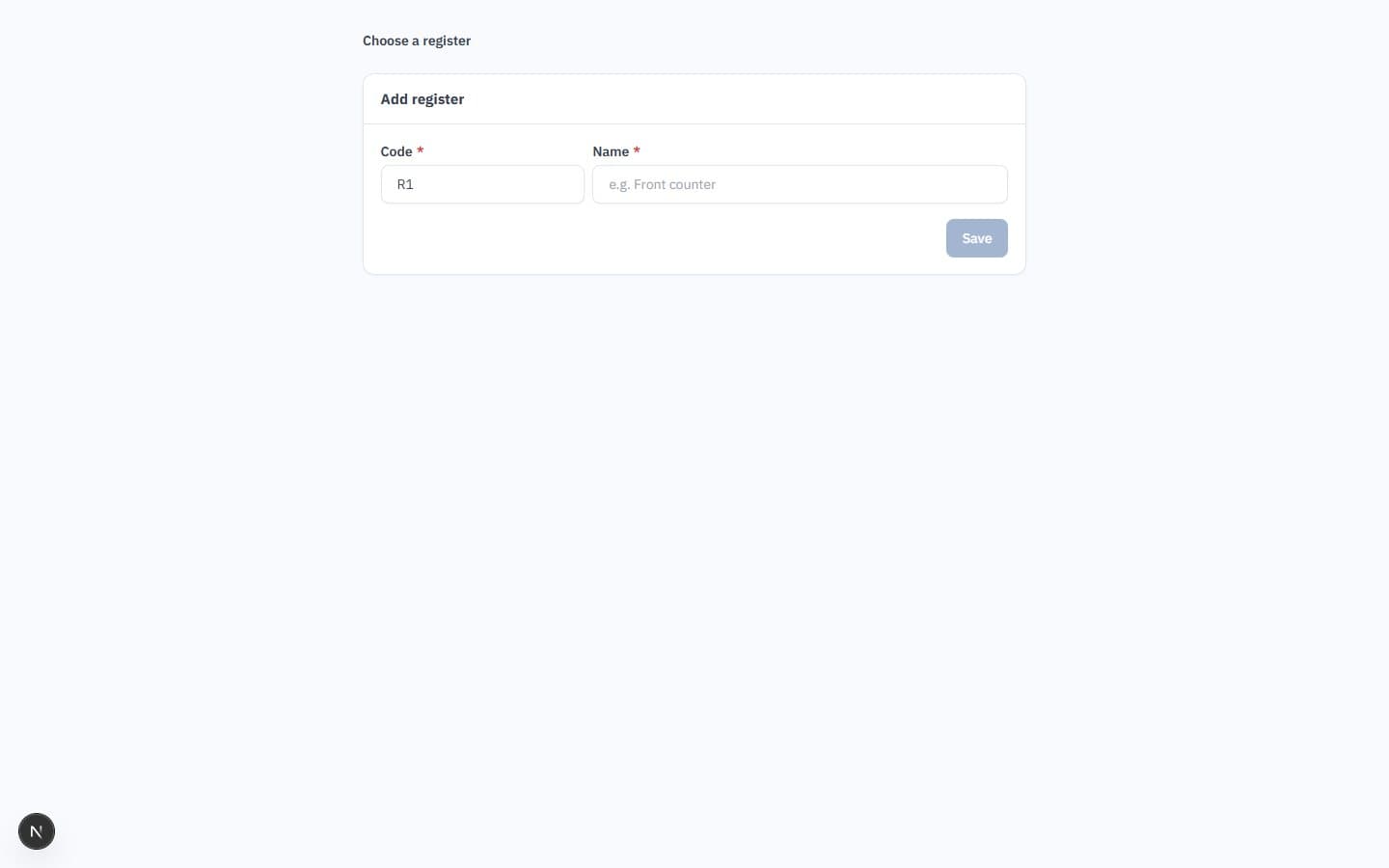
- X and Z shifts with a cash account per register
- Barcode, category tabs and size-by-colour variants
- JoFotara integration ready (UBL 2.1) for every sale
- Keeps selling offline, uploads without duplicates
Why the cash drawer and the books rarely agree
Many shops run a standalone cashier program, then rebuild sales, stock and tax in a second system at the end of the day.
The challenge
Shift totals typed into accounting
The cashier prints a report, someone re-enters it, and a cash shortage is found days later with no trail.
With Aspirations
Each register has its own cash account in the ledger. Closing the shift compares counted cash to that balance and posts any difference to a cash over/short account.
The challenge
Stock that never matches the shelf
The cashier program sells items the warehouse system does not know about, so reorder decisions are guesses.
With Aspirations
A POS sale issues stock from the register's warehouse and posts the cost of sales at the same moment. Inventory and the ledger stay equal.
The challenge
E-invoicing bolted on
A separate connector sends receipts to the tax system, and nobody knows which sales were rejected.
With Aspirations
Each sale is a cash invoice sent to JoFotara after it is saved, and its e-invoice status is stored with the receipt.
Cashier software with X and Z reports that match the ledger
Open a shift with a float, sell, and close with a counted drawer. The expected cash comes from the books, not from a separate counter.
- One cash account per register — Floats, cash sales after change, and refunds all pass through the register's own cash account, so its balance is what should be in the drawer.
- X report at any time — Sales, refunds, tax and tenders (cash, card, other) for the open shift, without closing it.
- Z report on closing — A sequential Z number per register, expected versus counted cash, and the variance posted to cash over/short.
- Cashier role — Cashiers see the point of sale and their own shifts only. They close their own shift; managers see all registers.
A point of sale built for queues
Scan, search or tap a category tab. The price comes from the item or the customer's price list, and the receipt prints on an 80mm printer.
- Barcode and item lookup — Look items up by barcode or code. Variants such as size and colour each have their own barcode, price and stock.
- Split payments — Pay part in cash and part by card. Change is given from cash only, and card amounts post to the register's card account, your bank by default.
- Held sales — Park a basket while a customer fetches one more item, serve the next customer, then resume it.
- Returns by receipt — Find the receipt by number and return whole or selected lines. Refunds come from the current shift, and stock and tax are reversed through a credit note.
A cashier program linked to the national e-invoicing system
In Jordan, a POS sale is a simplified cash invoice issued by the same engine as your other invoices: gap-free numbering, a hash chain, tax categories and the national system's format.
- Sent after every sale — The sale is saved first, then sent to JoFotara. The returned QR code is printed on the receipt.
- Returns as credit notes — A POS return becomes a credit note that references the original invoice, as the national system expects.
- Tax categories per item — Standard, zero-rated and exempt categories with 16% as Jordan's default general rate, all editable by your accountant.
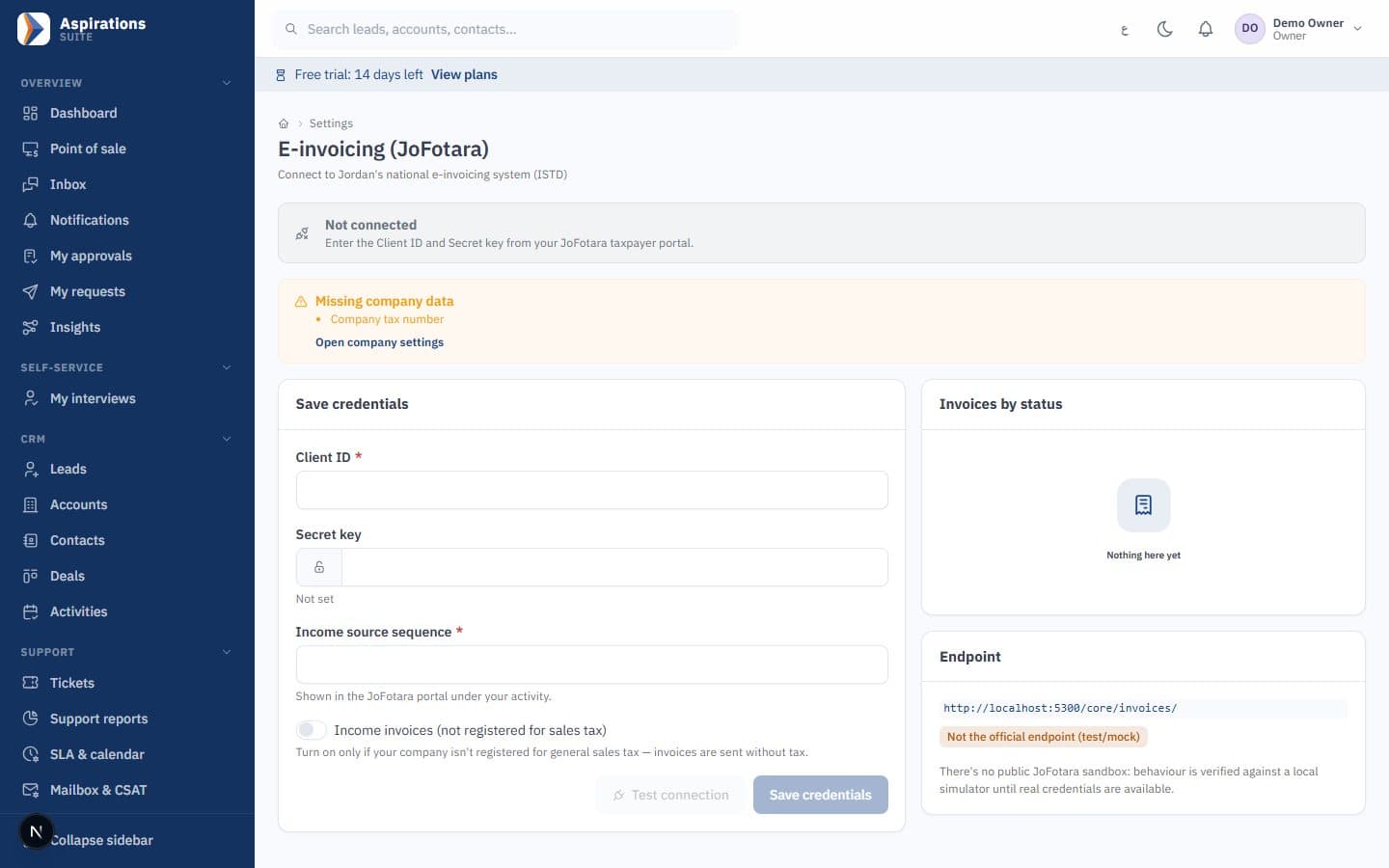
- Your own credentials — The integration is ready (UBL 2.1) and needs your company's JoFotara credentials, stored encrypted and tested before go-live.
When the internet drops, the register keeps selling
The register keeps a local copy of the catalogue and only downloads what changed since the last update.
- Sales queue on the device — Each sale gets a unique ID on the register. When the connection returns, sales upload in the order they happened, and a sale sent twice is recognised and not recorded twice.
- One failure does not block the rest — Each queued sale is processed on its own. Upload pending sales before closing the shift, because a sale for a register with no open shift is rejected.
- Batches offline too — For batch-tracked items the register keeps a snapshot of its warehouse batches and picks the nearest expiry. If that batch ran out meanwhile, the server issues the next one and flags it.
- What needs a connection — Redeeming loyalty points needs the server, because the balance cannot be known offline. Promotions keep working offline.
Promotions, coupons and loyalty points at the till
Offers apply automatically at the POS, as a visible line, after the price list and before tax.
- Offer types — Percentage or amount off an item, a category or the basket, buy X get Y, bundles at a fixed price, and minimum-basket discounts.
- Time rules — Validity dates, days of the week and happy hours in your company's time zone.
- Coupons — Single-use or multi-use codes, with limits per code and per customer, and batch generation.
- Loyalty — Points per dinar on cash collected, tiers with multipliers, expiry oldest-first, and customer lookup by phone at the register.
What the POS shares with the rest of the ERP
The register is a window onto the same items, stock and accounts as the back office.
Live stock
Quantity on hand per warehouse shows at the till, and a sale issues stock and posts cost of sales.
Expiry rules
Batch and expiry tracking with nearest-expiry-first. Expired batches can be blocked or allowed with a warning.
Serial numbers
For phones and electronics, the cashier picks the serial number sold, so warranty follows the unit.
Branches
Each register belongs to a branch and takes its warehouse, with separate numbering and per-branch reports.
Price lists
Customer-specific and default price lists, with quantity breaks, apply at the POS as in invoices.
Arabic and English
Arabic right-to-left and English screens, receipts with Arabic and English titles, and dinars to three decimals.
Worked example: closing a cashier shift
Here is how a Z report reconciles one shift, with illustrative figures in JOD. The expected cash is the balance of the register's cash account in the ledger, so it already reflects change given and refunds paid.
| Line | JOD |
|---|---|
| Opening float | 50.000 |
| Cash sales, after change given | 412.350 |
| Cash refund on a return | −12.000 |
| Expected cash in the drawer | 450.350 |
| Counted cash entered by the cashier | 449.850 |
| Variance posted to cash over/short | −0.500 |
Card sales in the same shift appear in the report's tenders but do not affect the drawer: they post to the register's card account. The Z number is sequential for each register, so a missing report is obvious.
Which shops it fits
- Supermarkets and grocery stores: barcode checkout, held baskets, promotions and loyalty. See software for supermarkets and retail shops.
- Pharmacies: batch and expiry rules at the till and a recall trace. See pharmacy software.
- Clothing, shoes and electronics: size-by-colour variants with their own barcodes, and serial numbers for warranty.
- Restaurants and cafés: the POS suits counter sales, but it has no table plans, kitchen orders or recipe-based stock deduction. If you need those, tell us during the demo so we can give you a straight answer.
Hardware
The POS runs in a web browser on a PC or tablet. Receipts are laid out for 80mm receipt printers, and items can be looked up by barcode. The system has no scale integration and no customer display. A card terminal stays separate: the cashier records the card amount. We check your devices with you during setup.
Sales tax on POS receipts
Each line carries its item's tax category, and the receipt shows subtotal, discounts, tax and total. To check a price with and without 16% tax, use the sales tax calculator, and read our JoFotara e-invoicing guide for the setup steps.
Related pages
The POS is one part of the same ERP.
Questions about POS and cashier software in Jordan
What shop owners and accountants ask before they change their cashier program.
Is the cashier software linked to JoFotara?
Does the POS work without internet?
What hardware do I need?
Is it suitable for a supermarket?
Is it suitable for restaurants?
How are returns handled?
Can I run several registers and branches?
How much does it cost, and is there a trial?
See a full shift, from opening float to Z report
Book a demo and we will ring up sales, a return and a held basket, then close the shift and show you the entries.
Request a POS demo
Tell us your type of shop, number of branches and registers, and we will schedule a live walkthrough.