
Inventory and warehouse management software that tracks expiry and true cost
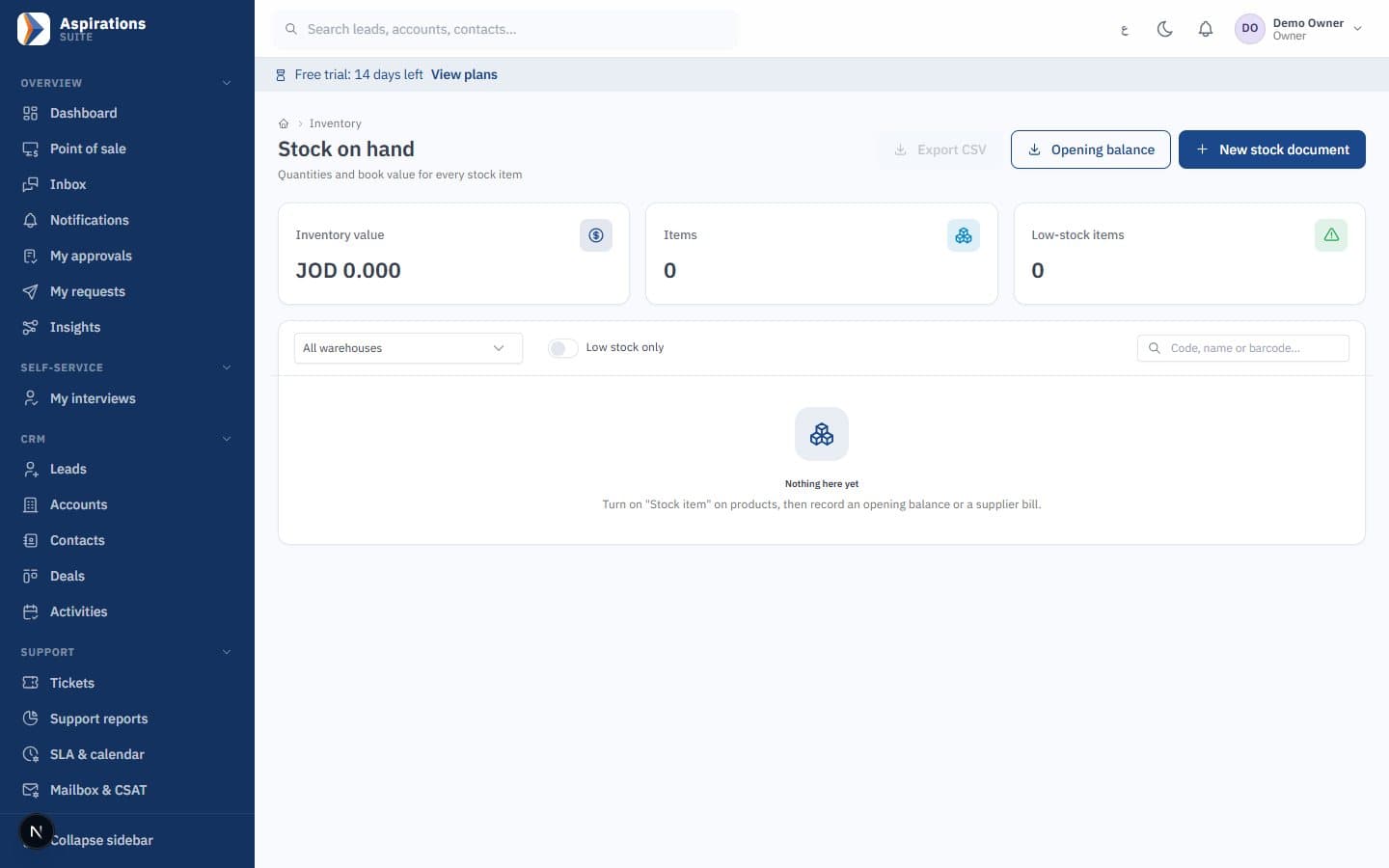
Aspirations is inventory software for companies in Jordan that keeps stock and the ledger in step. Run several warehouses, track batches, expiry dates and serial numbers, choose average or FIFO costing, and load customs and freight onto imported goods, with every movement posted to accounts as it happens.
- Multiple warehouses, transfers and stocktakes
- Batches and expiry dates with nearest-expiry-first
- Average cost or FIFO, company-wide
- Landed costs: customs, freight, clearance, insurance
Where stock control usually breaks
Most stock problems are not about counting. They are about the system not knowing what happened to a box after it arrived.
The challenge
Expired goods found on the shelf
Batches are written on paper or not at all, so the oldest stock sits at the back until it is written off.
With Aspirations
Each receipt records batch numbers and expiry dates. Sales and transfers pick the nearest expiry first, and a daily alert lists what is about to expire.
The challenge
Margins that look better than they are
Customs and freight are booked as expenses, so imported items look cheaper than they really were.
With Aspirations
A landed-cost document adds customs, freight, clearance and insurance to the items they belong to, and margins are recalculated.
The challenge
A stock value nobody trusts
The stock report and the inventory account show different totals, and the auditor asks why.
With Aspirations
Every movement posts at the moment it happens, so the inventory account equals the value of stock on hand. Our automated tests check that rule.
Warehouse management software for several stores and branches
Create as many warehouses as you run, give each branch its default warehouse, and move stock with documents the accountant can follow.
- Transfers — Transfer documents move stock between warehouses. Batch numbers and expiry dates travel with the goods.
- Adjustments — Damage and write-offs are negative adjustments with a reason, posted against the inventory adjustments account.
- Stocktakes — Enter the counted quantity; the system shows the system quantity and the difference for each line, then posts the adjustment.
- Stock movements — Every receipt, issue, return, transfer and adjustment is listed per item and warehouse, with filters by date.
Inventory software with expiry dates, batches and serial numbers
Turn on tracking per item: none, batch or serial. Tracked items need a batch number on every receipt, and an expiry date when you require one.
- Nearest expiry first (FEFO) — Without a manual choice, issues take the batch expiring soonest, then batches with no date, then the oldest received.
- Block or warn on expired stock — A company setting either blocks selling an expired batch or allows it with a warning. Transfers and write-offs always accept expired stock.
- Expiry report and alerts — A report of expired and expiring batches with their estimated value, a dashboard card, a CSV export, and a daily notification per item.
- Recall trace — Search a batch or serial number and see who supplied it, where it is now, and which customers received it.
Average cost or FIFO, with the ledger always matching
New companies start on weighted average cost. If your business needs the cost of the oldest shipment, switch the whole company to FIFO from a cut-over date.
- Clean cut-over — On switching, each item, warehouse and batch with stock opens a layer at its current book value, so the inventory account and the layers agree from day one.
- Layers per receipt — Each receipt creates a cost layer, per batch when tracked. Sales consume the oldest layer, and a tracked batch carries its own cost.
- Consistent policy — You can change method once per financial year, never into a closed period. Under FIFO, documents dated before an item's last movement are rejected so posted costs never shift.
- Reports — Layer valuation, cost of sales by layer, and a comparison of FIFO against a simulated average for the same period.
Customs, freight and clearance in the cost of imported goods
Link one or more posted supplier bills to a landed-cost document and add the costs of bringing the goods in.
- Cost types — Customs, freight, clearance, insurance, port fees and other costs. Sales tax paid at customs goes to input tax, not into cost.
- Allocation methods — By value, quantity, weight, volume or manually, with a live preview. Each line can use its own method, for example freight by weight and customs by value.
- Where the cost comes from — A service bill from the shipping agent, a posted expense, a supplier balance, a direct payment, or an accrual cleared when the agent's bill arrives.
- Already sold? — The share of goods already sold since receipt goes to cost of sales; the rest raises the cost of stock on hand.
From catalogue and barcodes to purchase orders and reorder alerts
Organise items once and let purchasing and stock reports work from the same data.
- Categories and variants — Hierarchical categories and up to three attributes per item, such as size and colour, each variant with its own code, barcode, price and stock.
- Barcodes and labels — Internal EAN-13 barcodes for items without one, and barcode labels printed from a supplier bill with batch and expiry.
- Purchase orders — Orders billed in full or in part, supplier bills that post straight to the inventory account, and debit notes for returns.
- Reorder and slow movers — Reorder levels with a daily low-stock alert, a slow-moving report, and margins by item.
- Stock for your online store — Items and available stock are read by your store through the integration API, and orders come back in. A WooCommerce plugin is in beta.
Worked example: FIFO versus average cost
One item, two purchases at different prices, then one sale. Figures in JOD, for illustration only.
| Date | Movement | Quantity | Unit cost | Value |
|---|---|---|---|---|
| 1 Nov | Purchase | 100 | 2.000 | 200.000 |
| 10 Nov | Purchase | 100 | 2.400 | 240.000 |
| 20 Nov | Sale | 150 | ? | ? |
| Result | FIFO | Weighted average |
|---|---|---|
| Cost of the 150 sold | 100 × 2.000 + 50 × 2.400 = 320.000 | 150 × 2.200 = 330.000 |
| Stock left (50 units) | 50 × 2.400 = 120.000 | 50 × 2.200 = 110.000 |
| Total (always 440.000) | 440.000 | 440.000 |
The average cost is 440 ÷ 200 = 2.200. When prices rise, FIFO gives a lower cost of sales and a higher closing stock, because the cheaper first shipment is sold first. Both methods are allowed under IAS 2; agree the choice with your auditor before you switch, because the policy should stay consistent.
Worked example: allocating landed costs
A shipment with two items, and three costs: freight 300 allocated by weight, customs 400 and clearance 100 allocated by value.
| Item A | Item B | Total | |
|---|---|---|---|
| Quantity | 100 | 50 | |
| Bill value | 1,000.000 | 3,000.000 | 4,000.000 |
| Weight (kg) | 200 | 100 | 300 |
| Customs + clearance by value (500) | 125.000 | 375.000 | 500.000 |
| Freight by weight (300) | 200.000 | 100.000 | 300.000 |
| Total landed cost | 325.000 | 475.000 | 800.000 |
| Unit cost before | 10.000 | 60.000 | |
| Unit cost after | 13.250 | 69.500 |
Item A is cheap for its weight, so its unit cost rises by 32.5%, mostly from freight allocated by weight. Had everything been allocated by value, A would have carried only 200.000 of the 800.000. If 20 units of A had already been sold before the landed-cost document was posted, their share would go to cost of sales instead of stock. Any sales tax paid at customs is posted to input tax and claimed in your return; the sales tax calculator and our Jordan sales tax guide explain the basics.
Related pages
Inventory is the centre of the ERP: sales, purchasing and the POS all move stock.
Questions about inventory software in Jordan
What warehouse managers and accountants ask before they move stock control.
How do I track expiry dates in the inventory software?
What is the FIFO method?
Should I use FIFO or average cost?
How do I add freight and customs to the cost of goods?
Can I do a stocktake by batch?
Does it support several warehouses and branches?
Can I import my items and opening stock?
How much does it cost, and is there a trial?
Bring your items and opening stock, and see them costed
Book a demo and we will receive a shipment with batches, add freight and customs, sell from it and show the entries.
Request an inventory demo
Tell us how many warehouses and items you run and whether you track expiry, and we will schedule a walkthrough.