
Construction ERP and contracting accounting software for Jordan
Aspirations gives contracting companies in Jordan project costing on one ledger: every bill, purchase order, expense and journal line tagged to a project, budget against actual, site attendance, payroll, custody and post-dated cheques. To be clear from the start: progress billing (interim payment certificates), retention, BOQ and subcontractor management are not built in. This page explains what is covered and how contractors work around the rest.
- Projects as cost centres on every document
- Budget vs actual and project profitability
- Site attendance with ZKTeco devices
- Payroll, custody and post-dated cheques
What is not included, and how contractors handle it
We would rather say this before a demo than after. Aspirations is a general ERP with strong project costing, not a specialised construction package. These are not available:
- Progress billing (مستخلصات) and interim payment certificates calculated from measured quantities.
- Retention held by the client or held from subcontractors, as a tracked balance per contract.
- BOQ (bill of quantities) with item rates and quantities against which work is measured.
- Subcontractor management: subcontracts, their certificates and deductions.
- Equipment scheduling between sites.
What contractors do instead: the certificate is prepared outside the system (usually the engineer's sheet), and its approved amount is issued as a sales invoice tagged to the project. Retention can be kept in a separate receivable or payable account using a journal entry tagged to the project. Subcontractors are set up as suppliers, and their bills carry the project cost centre, so their cost lands on the right project. If any of these is central to how you work, tell us in the demo request so we can say honestly whether the fit is good.
Where contractors lose track of money
Projects run for months, and costs scatter across sites, suppliers and staff.
The challenge
No idea which project is losing money
Materials, fuel and labour are booked to general accounts, so profit is only known for the company as a whole, after the year closes.
With Aspirations
Every journal line, invoice, supplier bill, purchase order and expense can carry the project as a cost centre, so profitability and budget against actual are visible per project at any time.
The challenge
Site staff attendance on paper
Foremen send attendance by phone or on paper, and overtime is argued over at the end of the month.
With Aspirations
ZKTeco devices on each site feed attendance, and staff with phones check in by GPS within the radius of their assigned location.
The challenge
Tools and cash with site staff
Laptops, vehicles and tools are handed out with no record, and site expenses are settled from memory.
With Aspirations
Custody items are acknowledged by the employee with photos, and expense claims must name a project before they can be submitted.
Every cost tagged to its project
Projects are cost centres in the accounting, so there is one ledger and no separate costing sheet.
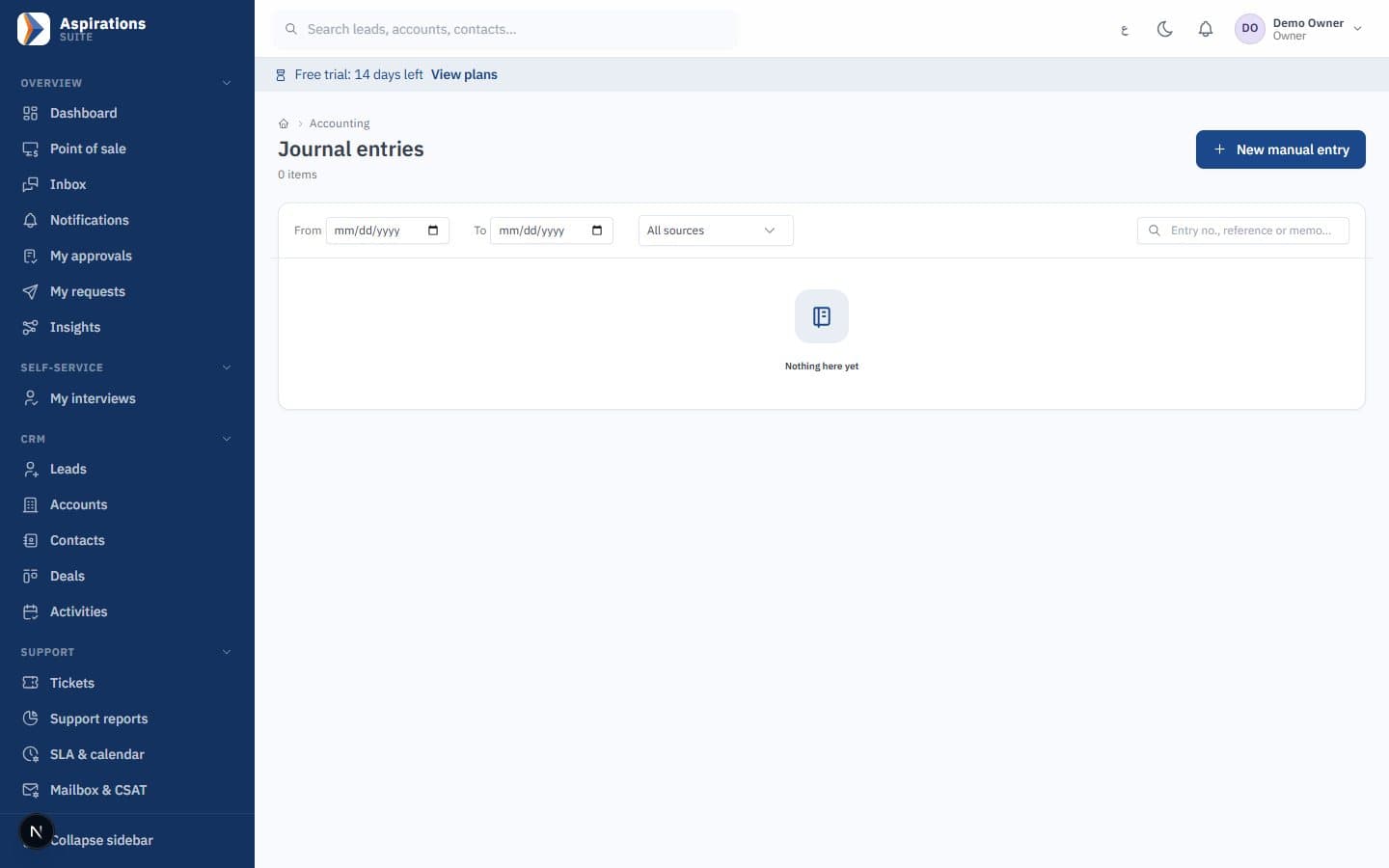
- Cost centre on every line — Journal entries, sales invoices, supplier bills, purchase orders and expenses carry the project, line by line.
- Budget vs actual — Set a budget per project and compare it with actual cost and revenue as documents post.
- Project profitability — Revenue invoiced to the project against its costs, without exporting to Excel.
- Timesheets per project — Staff log hours by project and managers approve them. A billable hours report shows the time; invoices are created by you, not automatically.
Attendance and payroll for staff spread across sites
Contracting labour moves. The system follows it, with one limit worth knowing.
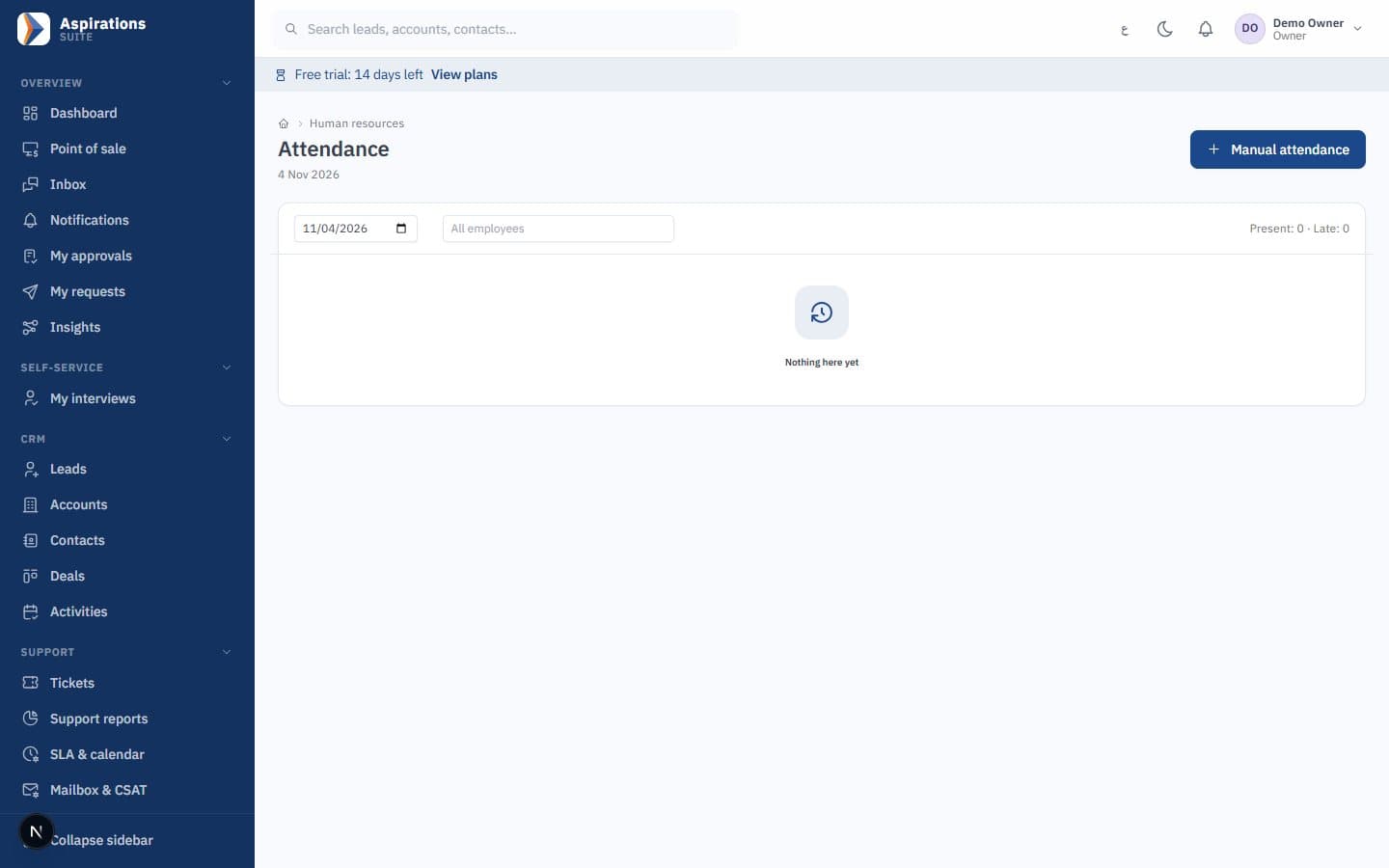
- Work locations — Define each site as a work location with its own radius. Check-in validates against the one location assigned to the employee, so staff moving between sites need their location updated.
- Fingerprint devices per site — ZKTeco devices on each site send punches to the same attendance records.
- Overtime into payroll — Approved attendance and overtime flow into the monthly payroll run, with social security and income tax.
- Payroll posting — Payroll posts to each employee's department cost centre. It is not split across projects automatically; a journal can reallocate labour cost by project if you need it.
The rest of a contractor's daily work
What the finance and HR teams use alongside project costing.
Post-dated cheques
Receive cheques from clients and issue your own to suppliers, then follow each one until it clears or bounces.
Equipment as fixed assets
Register machinery and vehicles as fixed assets and run depreciation. Scheduling equipment between sites is not included.
Custody for site staff
Laptops, phones, vehicles, SIMs, keys, cards and tools handed over, acknowledged by the employee with photos.
Expense claims by project
Site expenses with receipts, policy limits and a required project, reimbursed through payroll or a payment voucher.
Materials and stores
Site stores as warehouses, with purchase orders, receipts and transfers.
Companies and branches
Several companies, each with its own books, and branches with their own reports, in one system.
Tenders and bids in the CRM
Before a project exists, there is a tender to follow.
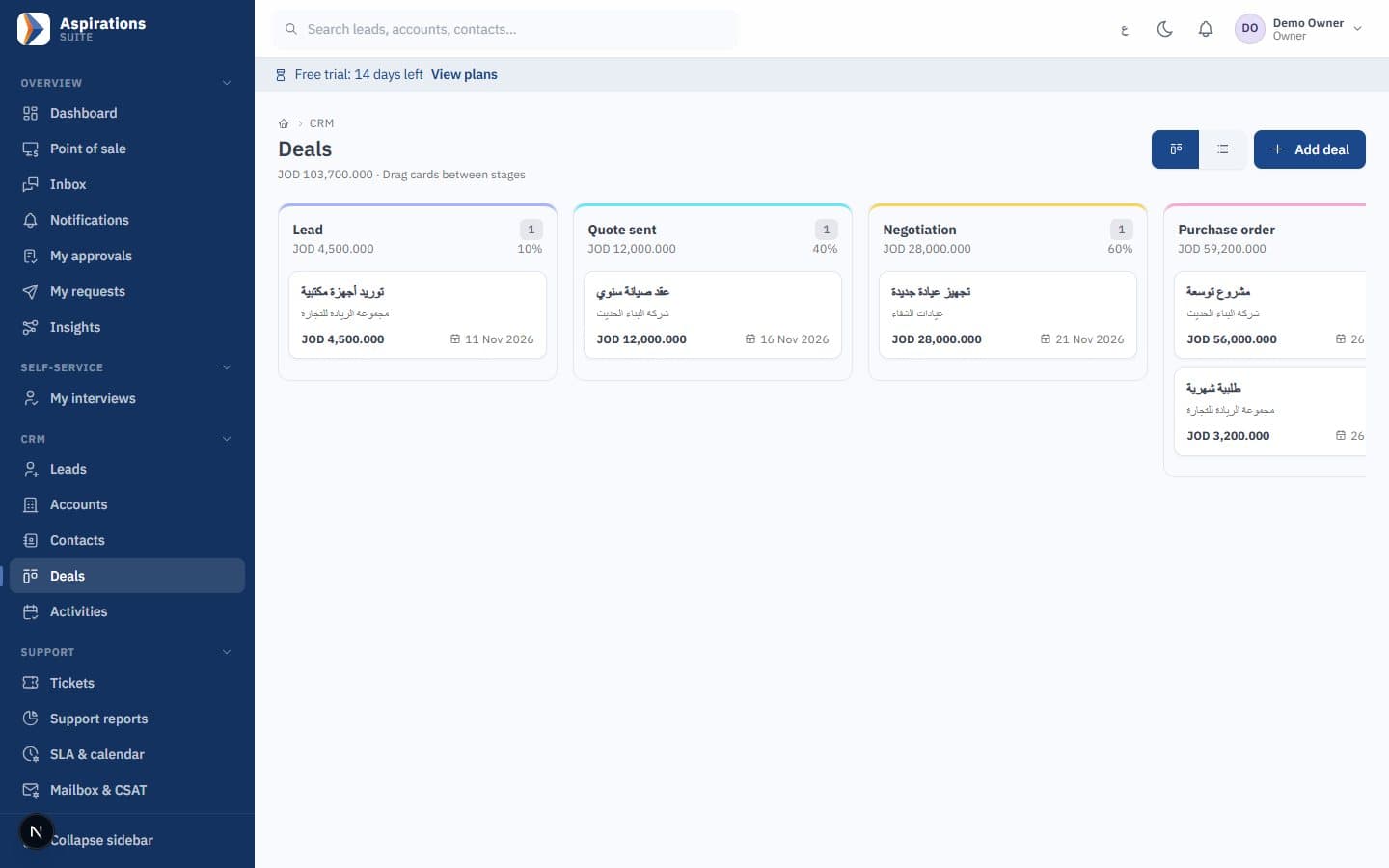
- Contracting pipeline template — A ready pipeline for tenders and bids, with stages you can rename and a probability per stage.
- Mandatory loss reason — Lost bids require a reason, so you learn why you lose on price or scope.
- Activities and visits — Calls, meetings and site visits with GPS check-in, plus due and overdue tasks.
- Instalments — Where a client pays on a schedule, credit invoices can carry an instalment plan with a cheque per instalment.
One month in a contracting company
A contractor runs three projects: a school extension, a villa and a warehouse fit-out. The steel supplier's bill arrives with two lines, one for the school and one for the warehouse, and each line carries its project. Diesel for the site generator is entered as an expense against the villa. The foreman on the school site claims 40 dinars for small tools with a photo of the receipt; the claim cannot be submitted without the project.
Site workers punch on the ZKTeco device at the school. Engineers who visit several sites check in by phone, but their assigned location is the head office, so the site engineer for the villa has his location changed for the duration of the job. At month end, attendance and overtime go into payroll, the bank salary file is generated, and the payroll entry posts to department cost centres.
The engineer approves the month's work on the school, and accounts issues a sales invoice for the approved amount tagged to the school project. The client pays with a post-dated cheque that enters the cheque portfolio. Budget against actual for the school now shows materials, expenses and revenue on one screen.
Tax and cheques
Contractors deal with withholding on some payments and with many post-dated cheques. See our withholding tax guide for Jordan and accounting for post-dated cheques. For site devices, read fingerprint, face or card attendance.
Related pages
The modules a contractor uses together.
Questions about contracting software
What contractors ask before switching.
Does it handle progress billing (interim certificates)?
Does it track retention and BOQ?
Can I see profit per project?
Are salaries charged to projects?
Can staff check in at different sites?
How are subcontractors handled?
How much does it cost?
See one project costed end to end
Book a demo and we will tag a supplier bill, an expense claim and an invoice to one project and show its budget against actual.
Request a contracting demo
Tell us how many projects and site staff you have, and whether progress billing or retention matters to you, so we can be honest about the fit.