
Sales and invoicing software for Jordan, from the first quote to the paid invoice
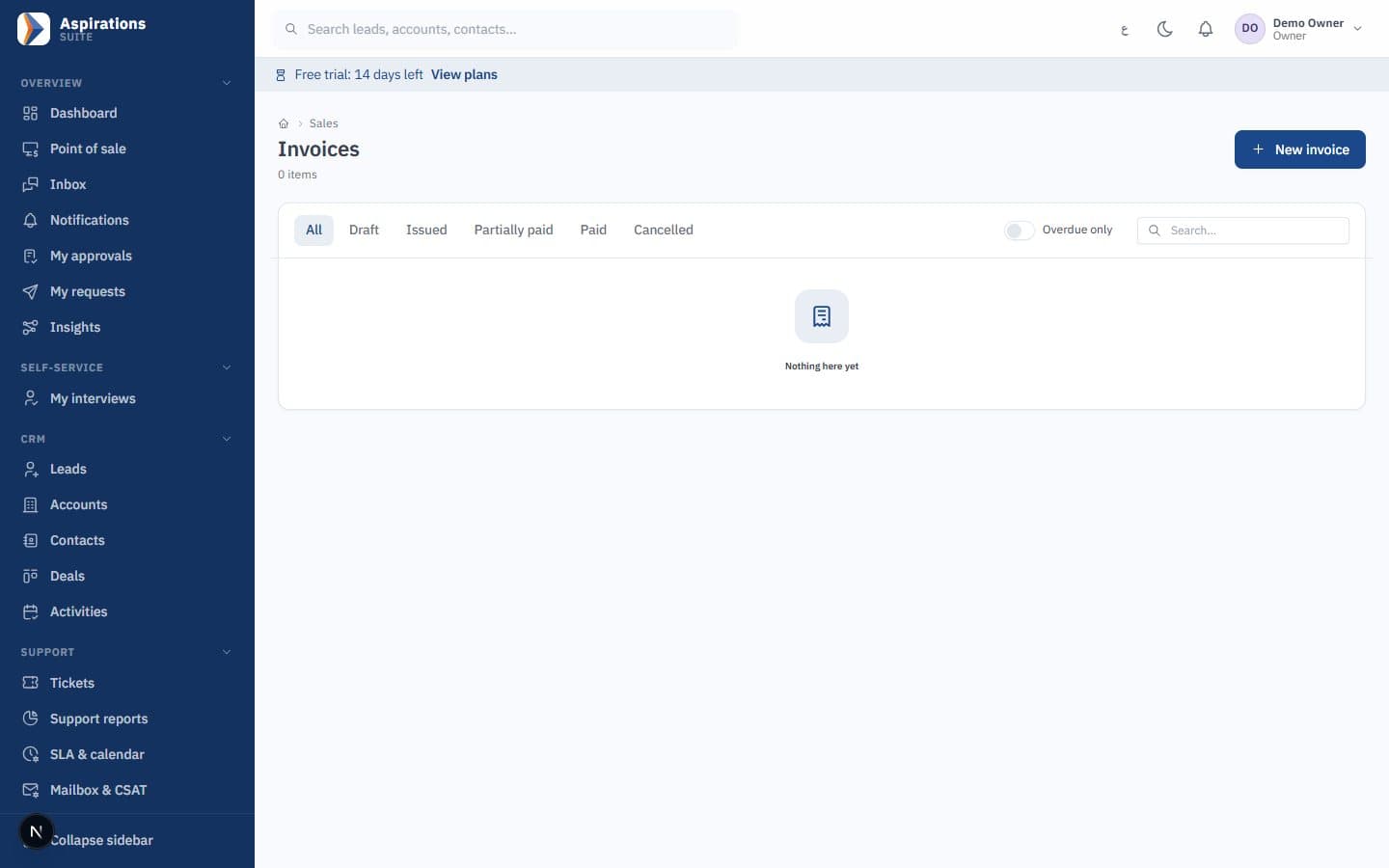
Aspirations is sales and invoicing software for companies in Jordan. Send a quote, confirm the sales order, deliver in as many shipments as you need and invoice what was delivered. Price lists, promotions, installment plans and a client portal are built in, and every invoice goes through the same engine as JoFotara e-invoicing and posts to your accounts.
- Quotes customers accept online by typing their name
- Sales orders that reserve stock and check credit
- Partial delivery notes, invoiced in one go
- JoFotara integration ready (UBL 2.1)
Why invoicing alone is not enough
A simple invoicing program prints a nice invoice. The mistakes happen before and after it.
The challenge
Promising stock you have already sold
Sales confirms an order by phone, the warehouse ships the same items to another customer, and nobody finds out until the truck is loaded.
With Aspirations
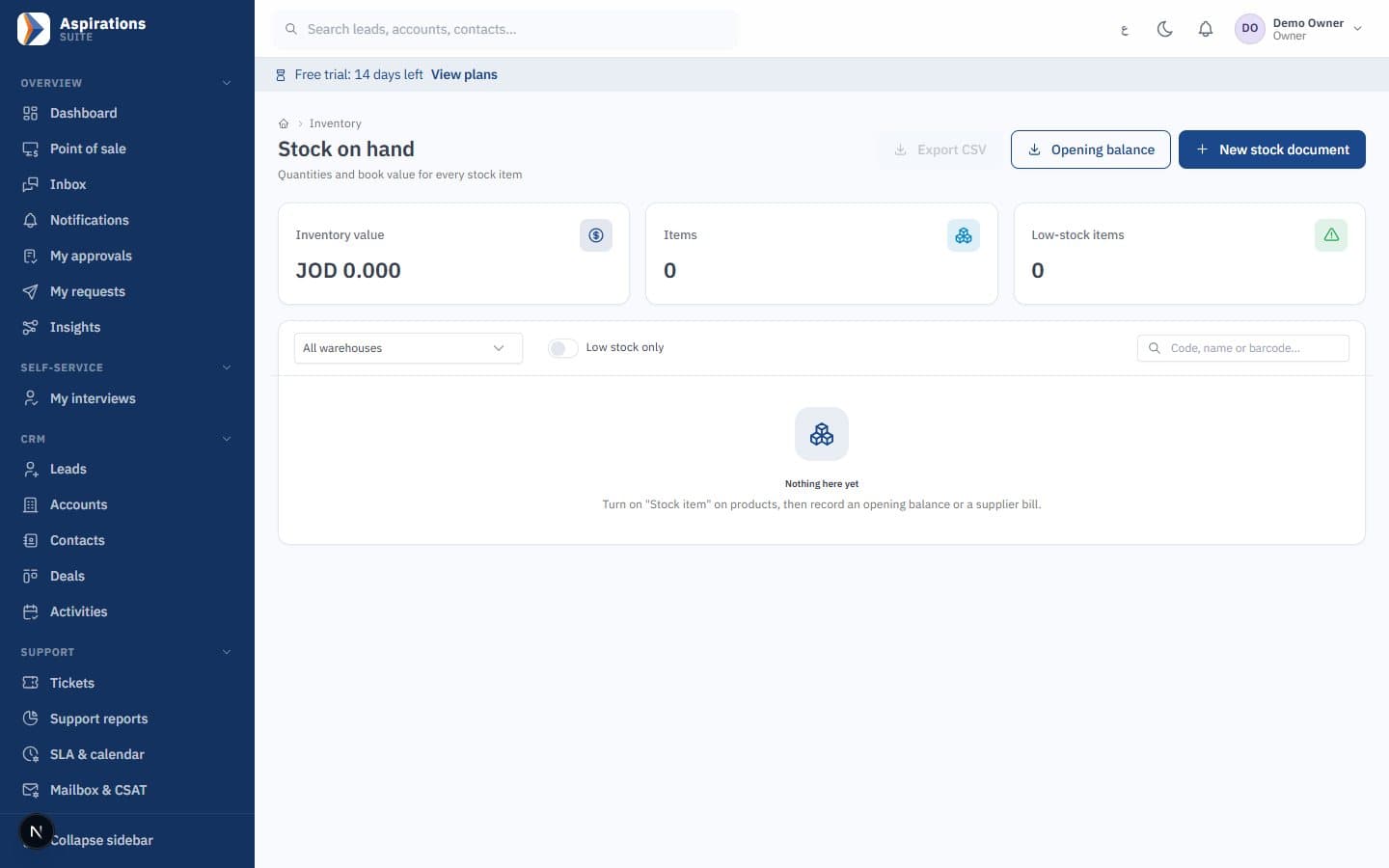
Confirmed sales orders reserve stock per warehouse, and available quantity is shown as on hand minus reserved on every product.
The challenge
The wrong price for the wrong customer
Wholesale, retail and contract prices live in a spreadsheet, and each salesperson remembers a different discount.
With Aspirations
Price lists resolve the price on their own: the customer's contract list, then their assigned list, then the default list, with quantity tiers and validity periods.
The challenge
Selling to customers who already owe too much
An order goes out to a customer whose last cheque bounced, and finance hears about it at month end.
With Aspirations
Confirming an order passes the same credit check as an invoice: limit, days, on-hold flag and bounced cheques, with warn or block.
Quotation software with online acceptance
Quotes are the start of the sale, not a separate document you retype later.
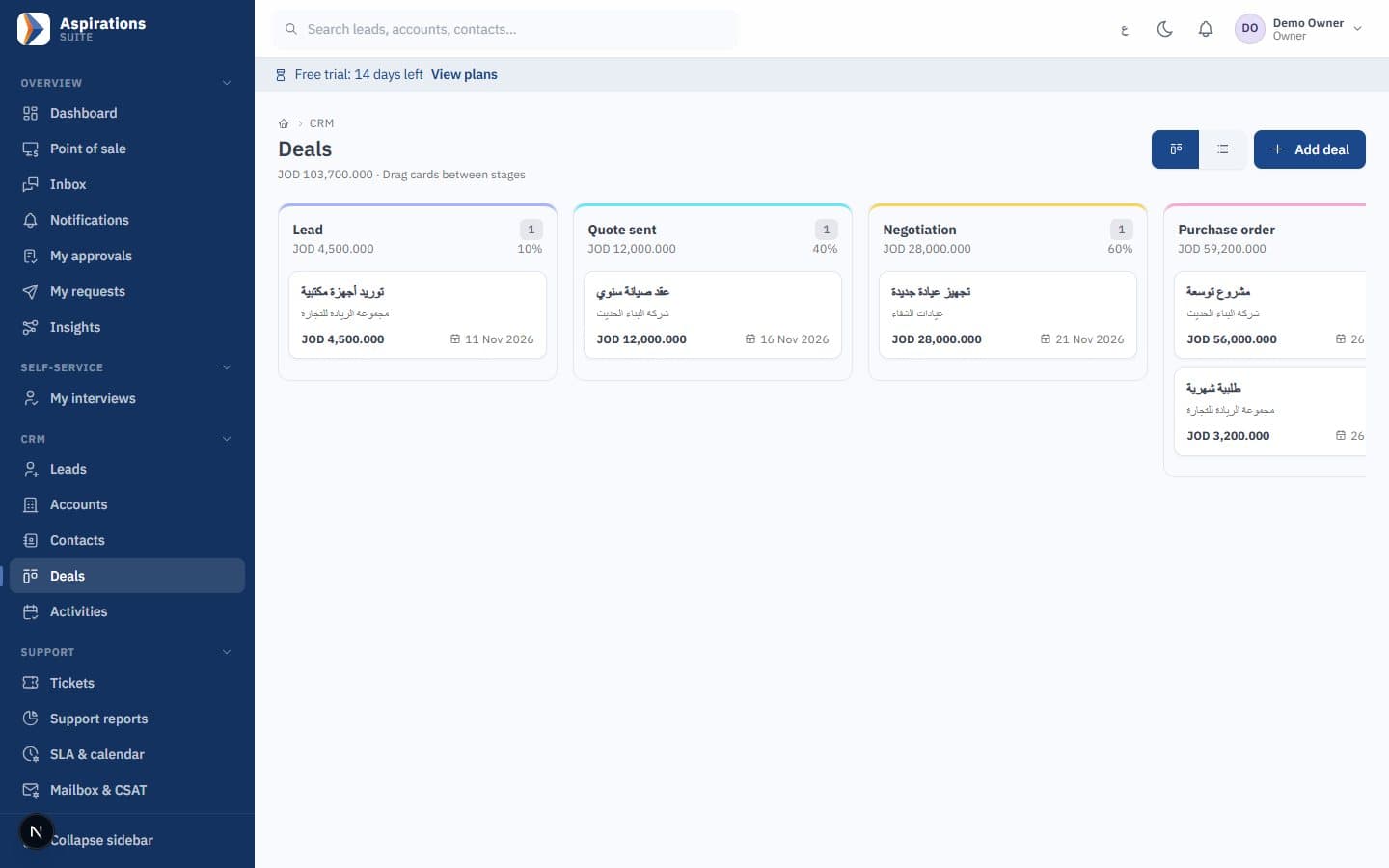
- Quotes from the CRM — Create a quote on a deal in the CRM pipeline or directly for a customer, with lines, discounts, tax and terms.
- Accept in the client portal — The customer opens the quote through a one-time link, reads it and accepts or rejects by typing their name.
- Proof of what was signed — The accepted version is stored with a SHA-256 hash, the time and the IP address, so later edits never change what the customer agreed to.
- Quote to order or invoice — An accepted quote becomes a sales order or an invoice without retyping, and keeps its branch and cost centres.
Sales orders and delivery notes for partial shipments
For companies that deliver before they invoice, the order tracks what was ordered, delivered and invoiced, line by line.
- Stock reservation — A confirmed order reserves its stock lines. Choose to warn or block when stock is short, and get a warning when a direct sale eats into reserved stock.
- Credit gate — Confirmation runs the credit check on the order total, and open orders count in the customer's exposure without double counting once invoiced.
- Partial delivery notes — Deliver in several shipments with driver and vehicle details, batches picked by earliest expiry (FEFO) or chosen by hand, and printed without prices if you like.
- Invoice from deliveries — Select one or more delivery notes and create one invoice. Over-invoicing is blocked, and cost of sales moves to the invoice's period.
- Close or cancel — Close an order to release its reservation and keep what was delivered invoiceable, or cancel it with a reason.
- Orders from your online store — Store orders arrive as sales orders through the integration API, with the same prices, tax, stock reservation and credit rules. A WooCommerce plugin is in beta.
Invoicing software built for Jordanian tax and e-invoicing
Every invoice, credit note and POS sale goes through one engine for numbering, tax and the national e-invoicing format.
- Gap-free numbering — Invoices are numbered without gaps, locked after issue and protected by a hash chain. A branch can have its own sequence.
- 16% and reduced rates — The 16% general rate, zero-rated and exempt, plus the reduced rates your company adds, chosen per product and per line. Amounts in dinars to three decimals.
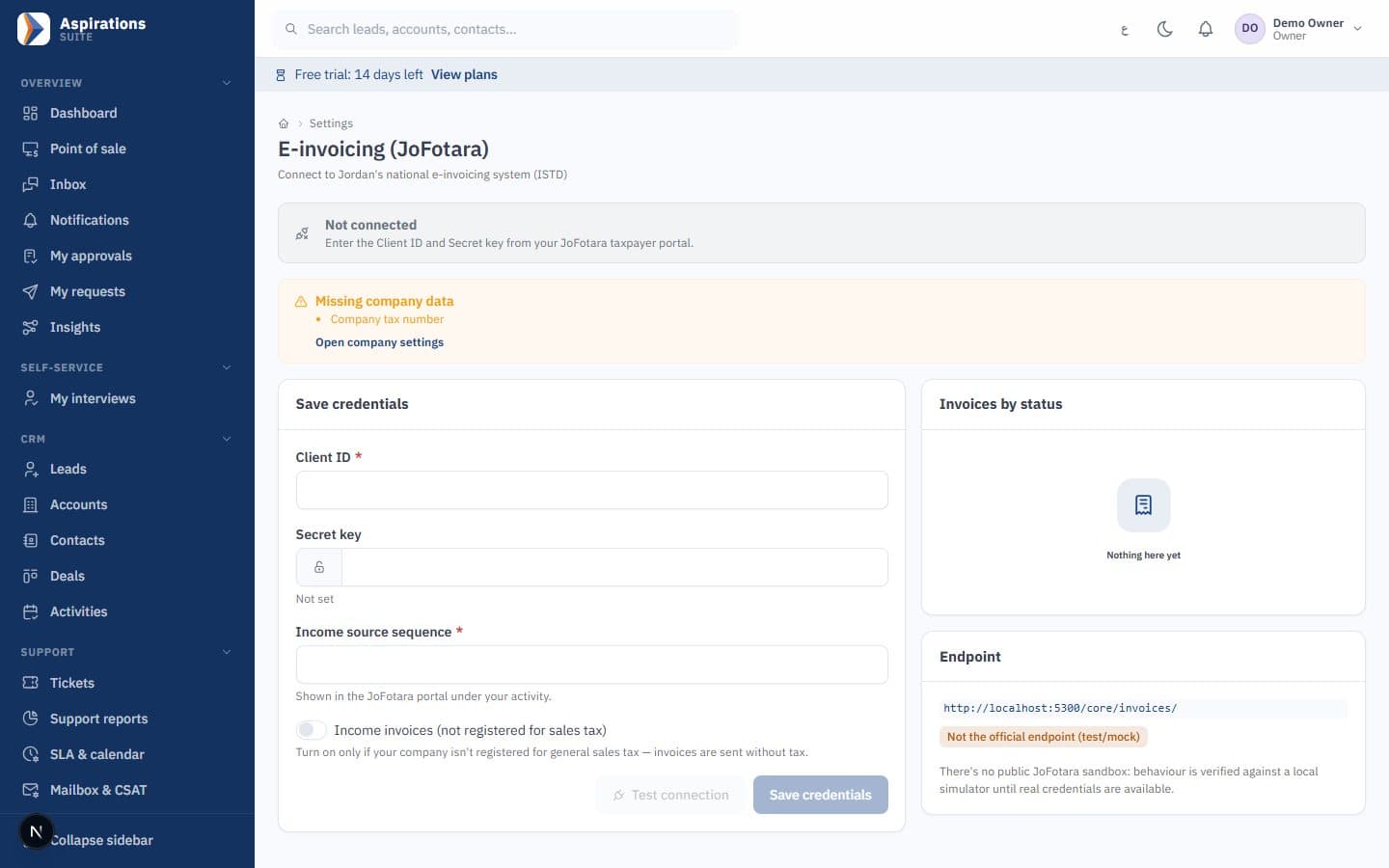
- JoFotara — Integration ready (UBL 2.1); it requires your company's JoFotara credentials. The returned QR code prints on the invoice.
- Credit notes — Returns and corrections are credit notes linked to the original invoice with a reason, and stock comes back with its batches.
- Posted as it happens — Revenue, tax, receivables and cost of sales post on issue, by cost centre and branch, ready for the accountant.
Price lists, promotions and coupons on every sales document
The same pricing rules apply in quotes, orders, invoices and the POS, so the customer sees one price everywhere.
- Price lists — Customer-specific contract lists, lists you assign to several customers, and a default list, each with a currency and validity dates.
- Quantity tiers — A lower price or a discount percentage from a minimum quantity, shown as a discount on the line.
- Promotions — Percentage or amount off an item, category or basket, buy X get Y, bundles, minimum basket and time windows such as a happy hour.
- Coupons and loyalty — Single-use or multi-use coupons with limits per code and per customer, and loyalty points per dinar with tiers.
Installment sales, a client portal and sales commissions
The parts of selling that usually end up in a notebook or a separate app.
- Installment plans — A down payment, monthly, weekly or custom schedules, a flat markup or fixed fee recognised as each installment falls due, a guarantor and a printed contract in Arabic and English.
- Cheques per installment — Collect each installment by receipt voucher or a post-dated cheque that goes straight into the cheques portfolio. Late fees are added by hand, never automatically.
- Client portal — Customers sign in with a one-time link to see quotes, invoices, their statement and installment schedule, open tickets, and pay online through the gateway configured for your company.
- Sales commissions — Plans on net sales or collections, tiered rates and category rates, clawback on credit notes, and a period run that is approved, then paid or added to payroll.
Worked example: from quote to invoice for 120 units
An illustration with made-up prices. A wholesale customer is assigned the "Wholesale" price list, where an item costs 2.500 JOD, or 2.300 JOD from 100 units. A 5% promotion runs on the item's category this month.
| Step | Amount (JOD) |
|---|---|
| 120 units at the 100+ tier price (120 × 2.300) | 276.000 |
| Promotion, 5%, applied after the price list | −13.800 |
| Net before tax | 262.200 |
| Sales tax at 16%, applied after the promotion | 41.952 |
| Invoice total | 304.152 |
The customer accepts the quote in the portal. You confirm a sales order, which reserves 120 units and passes the credit check. The warehouse ships 80 units on Monday and 40 on Thursday on two delivery notes, and you raise one invoice for both. Stock leaves once, cost of sales is recorded once on the invoice, and the invoice goes to JoFotara. To check tax on any amount, use the 16% sales tax calculator.
The same sale on installments
Suppose instead an invoice of 1,160 JOD is sold with a 160 JOD down payment and a flat 10% markup on the 1,000 JOD financed. The markup is 100 JOD, the plan total is 1,260 JOD, and ten monthly installments of 110 JOD each carry 100 JOD of principal and 10 JOD of markup. The markup sits in deferred installment income and is recognised as each installment falls due or is paid.
One sales cycle, connected to the rest of the business
Sales in Aspirations is not a separate program. Each step updates the part of the system that depends on it, which is the point of an ERP system built for Jordan.
- Stock: reservations, deliveries and returns update the inventory and warehouse module, including batches, expiry dates and serial numbers.
- Accounting: invoices, credit notes, receipt vouchers and cheques feed the accounting software, so customer statements and aging are always current.
- Counter sales: the POS system uses the same price lists, promotions and e-invoicing engine.
- Production: manufacturers sell what the manufacturing module produced, at its actual cost.
- Customers: quotes start from deals in the CRM, and each customer's WhatsApp conversations, tickets and invoices sit on one record.
For wholesalers and distributors with sales reps, routes and credit terms, see ERP for distribution and wholesale. For the e-invoicing rules themselves, read the step-by-step JoFotara guide.
Related pages
Sales works best next to stock, accounting and the point of sale.
Questions about sales and invoicing software in Jordan
What sales and finance teams ask before they move their invoicing.
Is the invoicing software linked to JoFotara?
Can I convert a quote into an invoice?
Can I deliver an order in several shipments?
Does it support different prices for different customers?
Does it handle installment sales?
Can customers pay invoices online?
How much does it cost, and is there a trial?
See your sales cycle in one system
Book a demo and we will run a quote, a sales order, a partial delivery and an invoice with your own products and prices.
Request a sales and invoicing demo
Tell us how you sell today, your branches and your current program, and we will schedule a live walkthrough.