
Manufacturing ERP for Jordan that tells you what each unit really cost
Aspirations is production management software for manufacturers in Jordan. Define bills of materials with scrap and operations, run work orders from release to close, and receive finished goods at their actual cost. Work in progress, applied labour and overhead, and production variances post to the same ledger as your sales, stock and payroll.
- Versioned bills of materials with scrap and backflush
- Work orders: release, issue, produce, close
- Finished goods at actual cost, not a guess
- Actual versus standard, material by material
Why production cost is so often a guess
Many factories price their products from a cost sheet written years ago, and find out at year end that margins were thinner than they thought.
The challenge
Raw materials leave the store without a trace
Materials are taken to the production floor in bulk. What went into which batch, and what was wasted, is never recorded.
With Aspirations
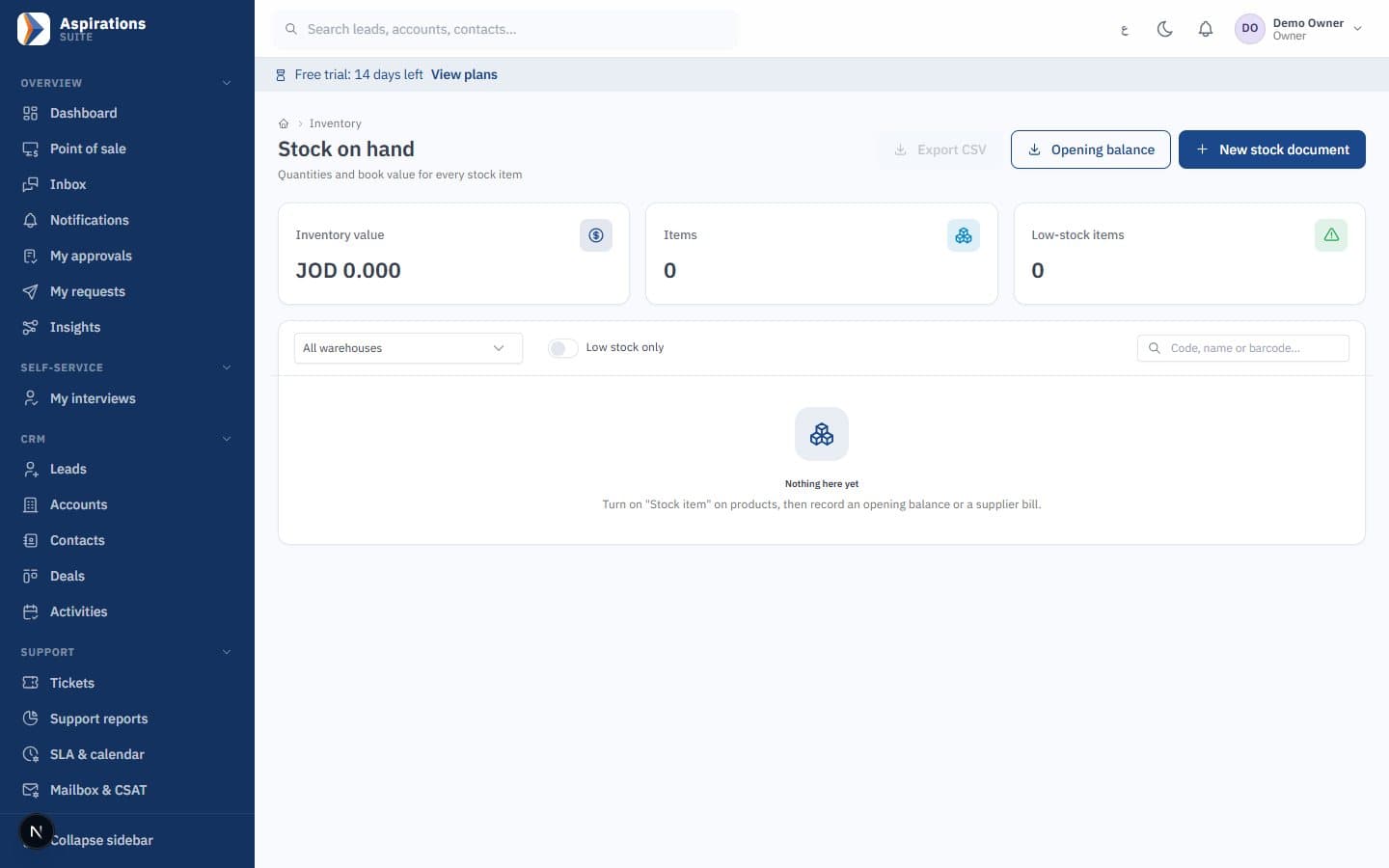
Materials are issued to a specific work order, or backflushed when output is recorded, at the warehouse's cost at that moment.
The challenge
Labour and overhead left out of cost
The cost of a unit counts materials only, so the price list ignores the machine hours and staff it took to make it.
With Aspirations
Each operation in the bill of materials carries a labour and an overhead cost per unit, applied to the order as output is recorded.
The challenge
Variances nobody can explain
The stock account and the factory's own numbers disagree, and nobody can say whether it was price, waste or a bad recipe.
With Aspirations
Each closed order shows actual against standard, with usage and price variances for every material.
Bills of materials with versions, scrap and operations
The bill of materials (BOM) is the recipe for one product. It holds the standard you will measure every order against.
- Components and scrap — Quantities per output unit with a scrap percentage, so a 5% loss on raw material is part of the standard rather than a surprise.
- Backflush or manual issue — Flag components to be consumed automatically when output is recorded, and issue the rest by hand.
- Operations — Steps in sequence, each with a work centre name, minutes per unit, labour cost per unit and overhead cost per unit.
- Versions — Changing a recipe creates a new version. Activating it makes it the default, archives the old one, and orders already running stay on their version.
- Standard cost — Each BOM shows its standard unit cost split into materials, labour and overhead, at current average costs.
Work orders from release to close, at actual cost
A work order is where materials, labour and overhead are collected before they become finished stock.
- Check before you start — Material availability shows what is required, already issued, on hand and short in the order's warehouse, and how many units you can make now.
- Release freezes the standard — Releasing an order fixes its required quantities and standard unit cost, so later changes to the BOM do not move the target.
- Issue, return and substitute — Issue materials to the order, return what was not used at the cost it left at, or issue a substitute item that was not in the BOM.
- Produce in batches — Record output in one go or in several batches. Each batch is valued at the order's work-in-progress balance divided by the quantity still to make.
- Close — Closing moves whatever is left in work in progress, from an order closed short or from rounding, to production variances.
Production cost posted to the ledger, step by step
Every movement of a work order is a stock movement and a journal entry at the same value, so the inventory account always equals the value of stock.
- Work in progress — Issued materials, applied labour and applied overhead collect in a work-in-progress account, and its balance equals the open orders.
- Applied overhead — Labour and overhead are credited to an applied production costs account. Compare it with actual expenses at period end to see whether your rates are right.
- Branch and cost centre — Entries carry the order's branch and cost centre, so each plant or line has its own profit and loss.
- Batches and expiry — Finished output can be tracked by batch, numbered after the work order, with an expiry date when the item requires one. Components are consumed by earliest expiry first (FEFO).
- Average cost or FIFO — Production works with both costing methods. Under FIFO, finished goods enter as a new layer at their full cost of materials, labour and overhead.
Worked example: the cost of 500 plastic chairs
An illustration with made-up numbers. One chair needs 2 kg of resin with 5% scrap and one set of steel legs (backflushed), plus a moulding operation costing 0.400 JOD labour and 0.250 JOD overhead per chair.
Standard cost per chair (frozen when the order is released)
| Line | Calculation | JOD |
|---|---|---|
| Resin | 2 kg × 1.05 = 2.1 kg × 1.200 | 2.520 |
| Steel legs | 1 set × 1.500 | 1.500 |
| Labour | per unit | 0.400 |
| Overhead | per unit | 0.250 |
| Standard unit cost | 4.670 |
What actually happened on the order for 500 chairs
| Step | Entry | JOD |
|---|---|---|
| 1,080 kg resin issued at an average of 1.210 | Work in progress / Inventory | 1,306.800 |
| 500 leg sets backflushed at 1.500 | Work in progress / Inventory | 750.000 |
| Labour applied (500 × 0.400) | Work in progress / Applied production costs | 200.000 |
| Overhead applied (500 × 0.250) | Work in progress / Applied production costs | 125.000 |
| 500 chairs received into stock | Inventory / Work in progress | 2,381.800 |
The actual unit cost is 2,381.800 ÷ 500 = 4.764 JOD, against a standard of 4.670. The order cost 46.800 JOD more than standard (2,381.800 − 2,335.000), and the material usage report explains all of it:
- Usage variance: 30 kg more resin than the standard 1,050 kg, at the standard 1.200 = 36.000 JOD.
- Price variance: resin cost 1.210 instead of 1.200 on 1,080 kg = 10.800 JOD.
Because the final batch takes the whole work-in-progress balance, nothing is left to close as a variance. If the order had been closed at 480 chairs, the materials left in work in progress would go to production variances on closing. The new 4.764 JOD feeds the chair's average cost, which the sales and invoicing module uses for margins and cost of sales.
What manufacturing in Aspirations covers today, and what it does not
Manufacturing is a module of the Aspirations ERP system, so it shares items, warehouses and the ledger with everything else. It fits food producers, detergent and chemical blenders, plastics, furniture and printing workshops that make to order or to stock.
- Stock: raw materials and finished goods live in the inventory and warehouse module, with separate component and output warehouses per order if you need them, batches, expiry and variants.
- Accounting: work in progress, applied costs and variances post to the accounting software by branch and cost centre, next to fixed assets and budgets.
- Selling: finished goods are sold through sales orders, invoices or the POS, with invoices sent through JoFotara e-invoicing.
Not included yet
Multi-level products are handled by giving a sub-assembly its own BOM and its own work order; the system does not explode BOMs across levels automatically. Material requirements planning (MRP), capacity planning and machine scheduling are not part of the module today. We would rather tell you now than during implementation.
Pricing your finished goods? The guide to sales tax in Jordan explains the general rate and how reduced and exempt rates are set.
How a factory moves to Aspirations
Most of the effort is getting items and recipes right once.
Import items and opening stock
Raw materials, packaging and finished goods with their opening quantities and costs, from a template that shows every error first.
Write your first BOMs
Start with your best sellers: components, scrap and the operations with their labour and overhead rates.
Run a pilot order
Release one work order, issue materials, record output and compare the actual cost with your current cost sheet.
Go live and review variances
Use the production cost and material usage reports each month to adjust recipes and rates.
Related pages
Manufacturing depends on stock, accounting and sales.
Questions about manufacturing software in Jordan
What factory owners and cost accountants ask first.
How is production cost calculated?
Does it support bills of materials with scrap?
Can I compare actual cost with standard cost?
Can I see if I have enough materials before starting an order?
Does it support batches and expiry dates for finished goods?
Does it include MRP and production scheduling?
How much does it cost, and is there a trial?
Find out what your products really cost
Book a demo and we will build a BOM and run a work order with one of your own products.
Request a manufacturing demo
Tell us what you make, how many production lines and warehouses you run, and your current program.