
ZATCA Phase 2 e-invoicing software for companies in Saudi Arabia and Jordan
Aspirations ERP is e-invoicing software that signs, chains and submits your Saudi invoices to ZATCA's Fatoora platform, and issues your Jordanian invoices through JoFotara from the same system. It is built for groups that sell on both sides of the border and want one set of books, not two programs.
- Clearance for B2B, reporting for B2C
- Signed UBL invoices with QR, hash chain and invoice counter
- Automatic resubmission and CSID renewal
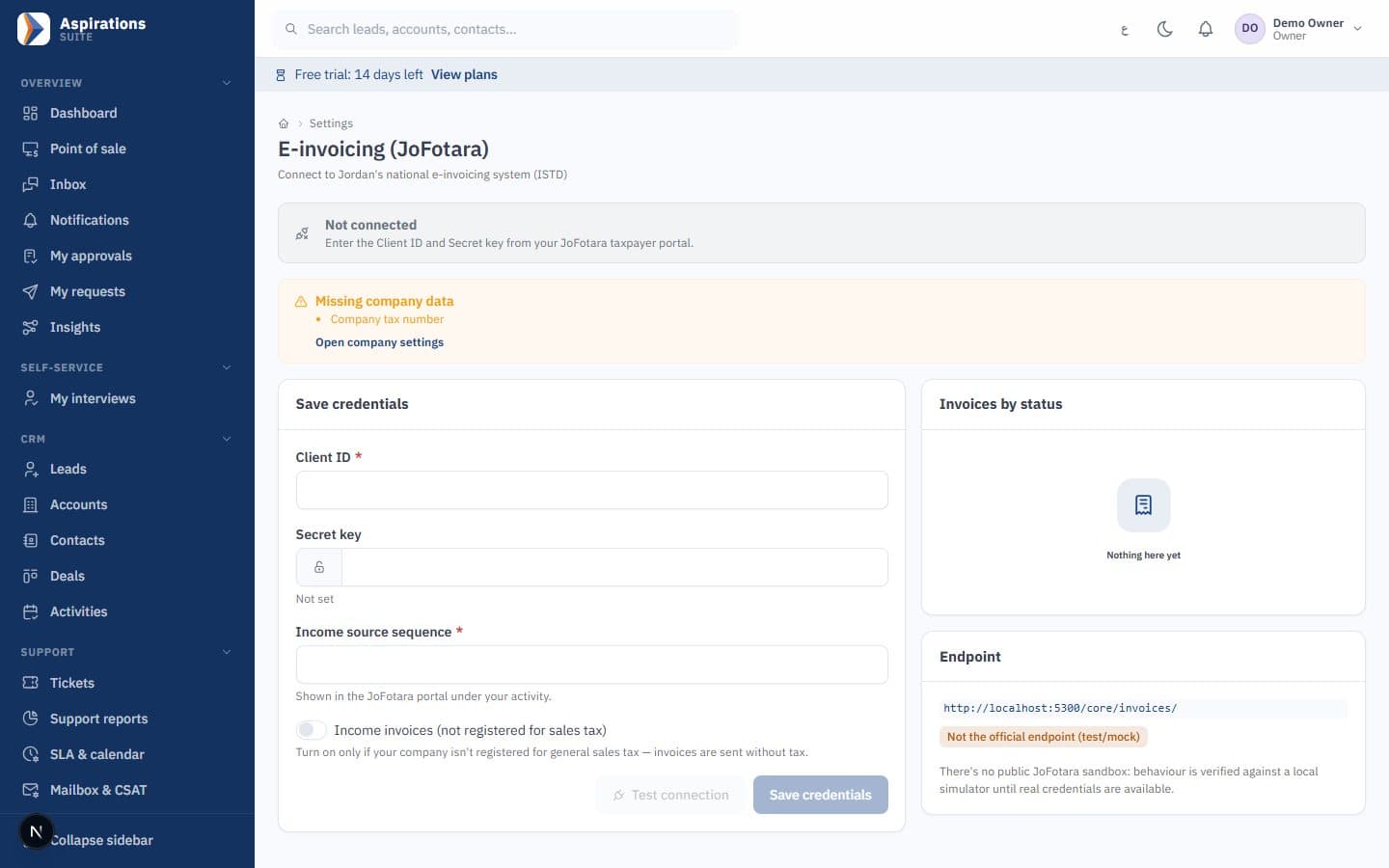
- JoFotara for your Jordanian company on the same platform
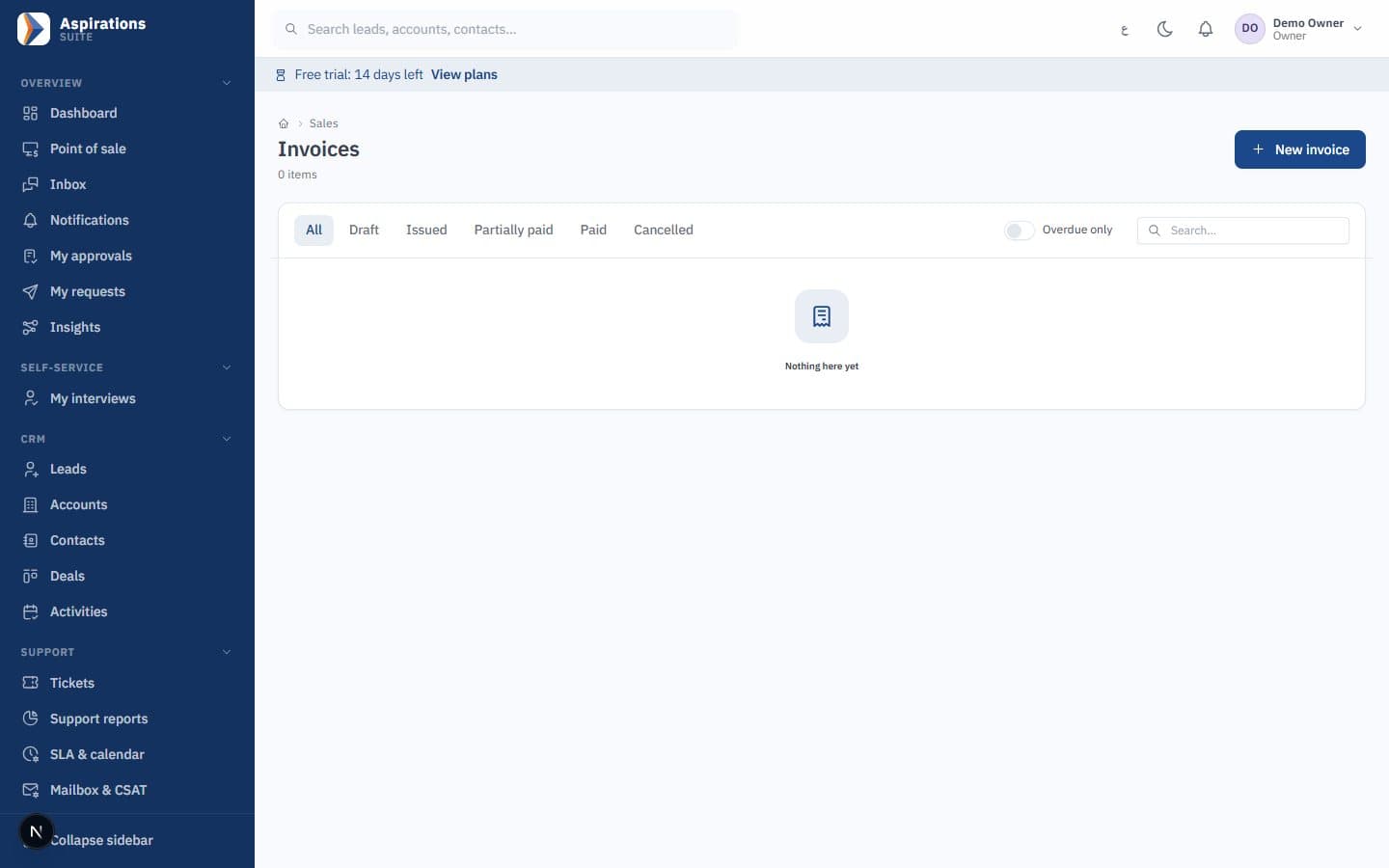
Why e-invoicing gets messy when you work in two countries
Saudi Arabia and Jordan both require electronic invoices, but the rules, formats and tax codes differ. Most companies end up with one program per country and a spreadsheet in the middle.
The challenge
Two programs, two charts of accounts
The Saudi company uses a ZATCA tool and the Jordanian company uses another, and finance consolidates by hand every month.
With Aspirations
Both companies run on the same platform, each with its own country rules, and a company group consolidates their statements.
The challenge
Invoices stuck in pending
When the connection to Fatoora drops, invoices pile up and someone has to resend them one by one.
With Aspirations
A background job resubmits pending Saudi invoices automatically, in counter order, with increasing intervals.
The challenge
Rejections after the number is used
A missing buyer district or VAT number is only discovered when ZATCA rejects the invoice.
With Aspirations
Once you are onboarded, the system checks the data ZATCA requires before the invoice is issued, so no number is wasted.
ZATCA Phase 2 software: clearance and reporting handled for you
Phase 2 means each invoice is generated as structured XML, cryptographically stamped and sent to ZATCA. Aspirations decides the path for each invoice from its type.
- Standard tax invoices (B2B) — Invoices to a VAT-registered buyer go through clearance, and the XML cleared by ZATCA is stored with the invoice.
- Simplified invoices (B2C) — Sales to consumers, including POS receipts, are reported to ZATCA, and the signed XML is stored with the full QR code.
- If clearance is switched off — When ZATCA answers that clearance is temporarily unavailable, the invoice is reported instead, as the platform allows.
- Credit notes — Returns and corrections are credit notes linked to the original invoice, limited to its remaining amount. Issued invoices are locked.
QR code, hash chain and stamping that follow ZATCA's specification
The parts of Phase 2 that usually take developers months are built into the invoice engine.
- Hash chain (PIH) and counter (ICV) — Each invoice carries the hash of the previous one and a sequential counter, so the chain cannot be broken or reordered.
- Cryptographic stamp — Invoices are signed with your production CSID using the XAdES format and ECDSA keys described in ZATCA's security standard.
- QR in TLV format — The QR code on printed invoices and 80 mm receipts is generated in ZATCA's TLV format.
- Checks before issue — Buyer VAT number, address and district, and the 15% rate are validated before an invoice number is consumed.
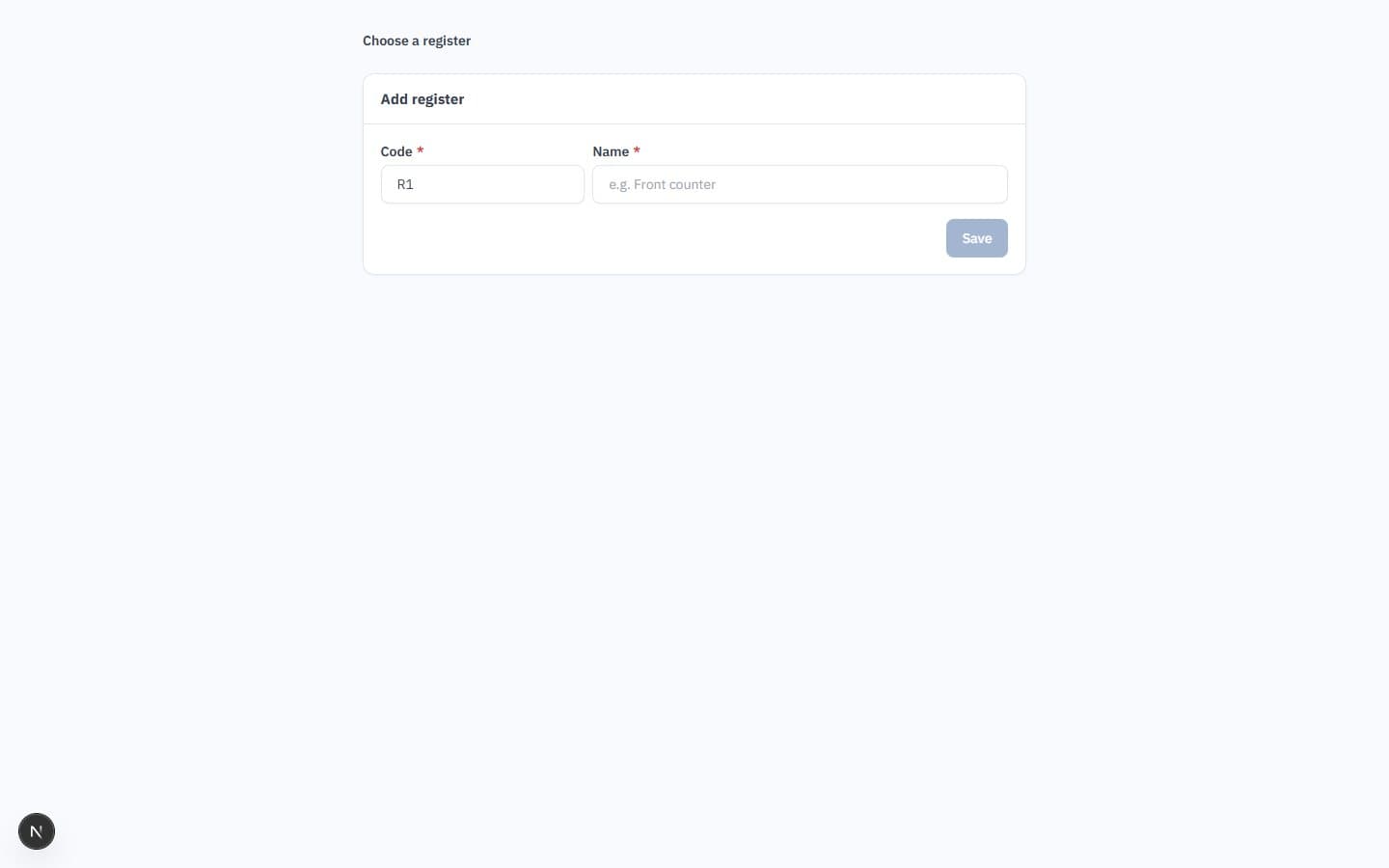
Onboarding your EGS unit, step by step, from inside the system
Each company connects its own e-invoicing unit to ZATCA. Aspirations runs the technical steps and saves each one, so a failed step does not cost you a new OTP.
- Key and CSR — The system generates the private key and certificate signing request for your unit.
- Compliance CSID and checks — You enter the OTP from the Fatoora portal; the system obtains the compliance CSID and runs the compliance checks.
- Production CSID — After the checks pass, the production CSID is issued and live submission starts.
- Renewal — Renew the certificate before it expires with a new OTP. If renewal fails, the current certificate keeps working.
Branches with their own VAT registration
If a branch issues invoices under its own tax registration, it gets its own identity on every invoice.
- One EGS unit per branch — Each such branch is onboarded as a separate unit with its own serial number and CSID.
- One chain per identity — Hash chain and counter are kept separately for each branch identity, and credit notes follow the identity of their original invoice.
- Branch reports — Sales, tax and statements by branch, plus a consolidated view for the company.
E-invoicing that is part of your accounting, not a bolt-on
Every document that creates a sale passes through the same invoice engine, so the ledger, stock and ZATCA always agree.
Every sales document
Invoices from sales orders, delivery notes, quotes and the POS use the same numbering, chain and submission.
Saudi chart of accounts
A Saudi company starts from a Saudi chart of accounts template, fully editable, with amounts in riyals.
VAT by rate
Standard, zero-rated and exempt lines are kept apart, and the tax report is broken down by rate.
Rejection alerts
If ZATCA rejects an invoice, the team is notified with the reasons returned by the platform.
POS receipts
Cashier sales are simplified invoices with the ZATCA QR on the 80 mm receipt, including sales synced after working offline.
Arabic and English
Every screen, invoice and system message in Arabic, right to left, and in English.
Jordan and Saudi Arabia in one system: how it fits together
Country rules in Aspirations are set per company. A typical group has a Jordanian company in dinars and a Saudi company in riyals, both on the same platform and reachable with the same login.
| Topic | Saudi company | Jordanian company |
|---|---|---|
| E-invoicing platform | ZATCA Fatoora (Phase 2) | JoFotara, the national e-invoicing system |
| Status in Aspirations | Tested on ZATCA's developer environment; each company completes its own onboarding (CSID) | Integration ready (UBL 2.1); requires your JoFotara credentials |
| Standard tax rate | 15% VAT | 16% general sales tax |
| Zero-rated and exempt codes | ZATCA coding | JoFotara coding, which is reversed; the system maps it for you |
| Pending invoices | Resubmitted automatically | Resubmitted by the user after an outage |
| Currency | SAR, two decimals | JOD, three decimals |
Consolidation without spreadsheets
The company group feature maps both charts of accounts, eliminates intercompany balances and sales, translates the Saudi figures into the group's presentation currency and produces consolidated trial balance, income statement and balance sheet with a column per company. Read more on the accounting software page.
When does Phase 2 apply to you?
According to ZATCA, Phase 1 (generation) has been enforceable since 4 December 2021, and Phase 2 (integration) started on 1 January 2023 and is rolled out in waves of taxpayers. ZATCA notifies each taxpayer of its wave at least six months in advance, so check whether your company has received its notification before planning the switch. For the Jordanian side, our JoFotara e-invoicing guide walks through the setup.
From your first invoice to live submission
Most of the work is getting company and customer data right once.
Company profile
VAT number, commercial registration, national address and district for each company and registered branch.
Customers
Import customers with VAT numbers and addresses, including the district ZATCA requires for B2B buyers.
Items and tax
Set 15% standard, zero-rated or exempt on each item once; invoices and POS use it.
Onboard on Fatoora
Request the OTP from the Fatoora portal and complete the onboarding steps in Aspirations.
Go live
Issue invoices; clearance, reporting, resubmission and rejection alerts run in the background.
Related pages
E-invoicing is one part of the ERP.
Questions about ZATCA e-invoicing software
What finance teams ask before they connect to Fatoora.
Is Aspirations approved by ZATCA?
What is the difference between Phase 1 and Phase 2?
How do I know when my company must comply with Phase 2?
What happens if the connection to ZATCA fails?
Can I run my Jordanian and Saudi companies in one system?
How do I correct an invoice after it has been sent?
How much does it cost, and is there a trial?
One system for your Saudi and Jordanian invoices
Book a demo and we will walk through clearance, reporting, credit notes and consolidation with an example from your business.
Request a ZATCA e-invoicing demo
Tell us where your companies and branches are, and we will schedule a live walkthrough.